29
KM LINK INSTALLATION (macOS)
1. Connect both systems to the dock.
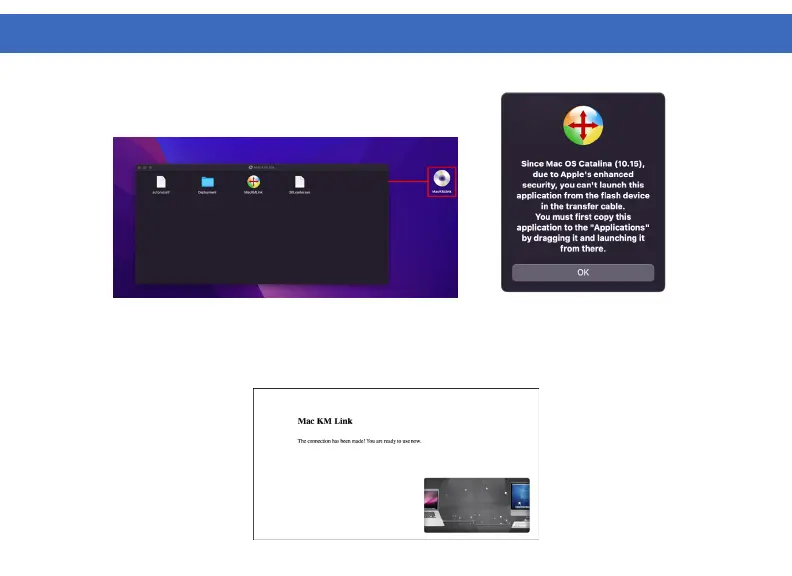
2. The dock wil appear as a CD drive.
3. Install the KM Link Software by draging the MacKMLink file to your desktop, then run the application.
4. After installation is complete, a notification will appear confirming the successful connection between
systems.



 To Next Page