28
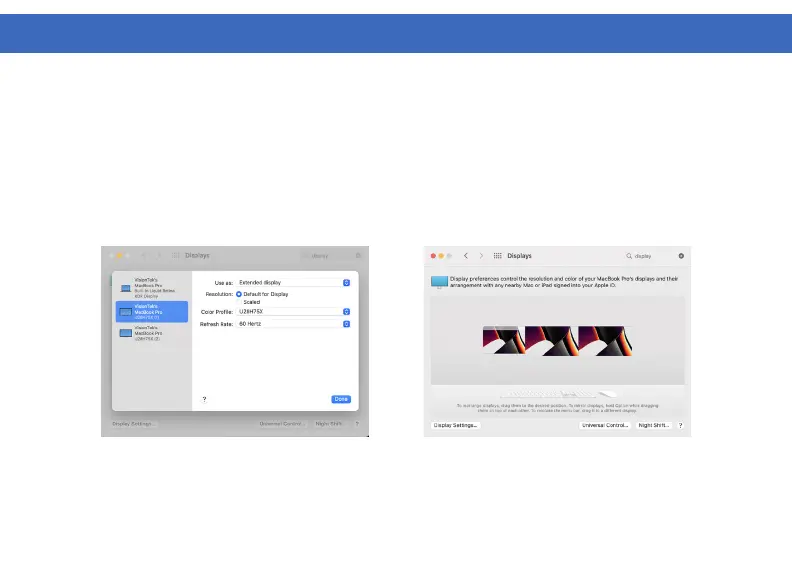
1. To arrange displays and configure mirrored or extended displays click on the arrangement tab.
2. To move a display, click and drag the display in the arrangements window.
3. To change primary display, click on the small bar on top of the main monitor and drag it onto the monitor
you want to be the primary.
DISPLAY SETTINGS (macOS Continued)



 To Next Page