18
KM LINK INSTALLATION (Windows)
1. Connect the dock to both systems.
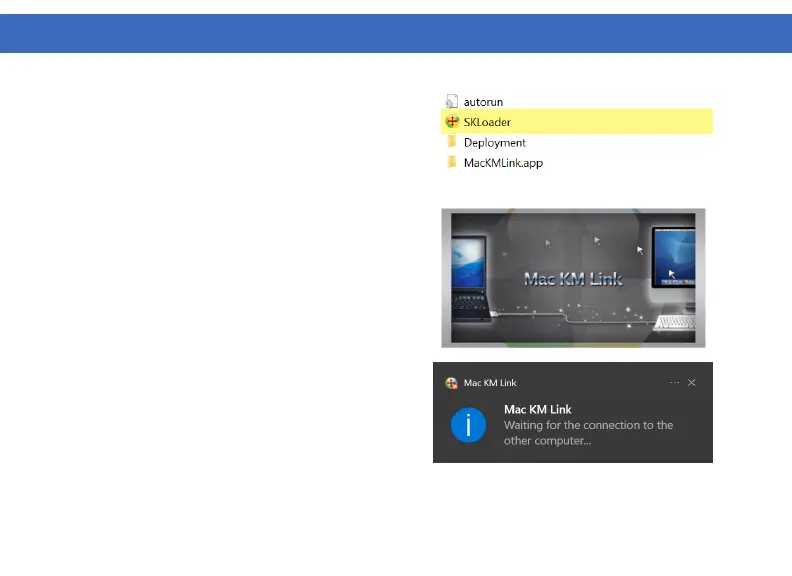
2. Install the KM Link Software. If AutoRun is enabled, a
window will open and install the KM Link Application.
If AutoRun is not enabled, navigate to the mounted CD
drive and double-click on SKLoader.
3. A pop-up installation window will appear while the
application is installing.
4. After installation is complete, a notification will
appear in the bottom right corner of your desktop
saying “Waiting for connection to the other computer…”
5. Repeat steps 2-4 on the second system connected to
the VT4950.



 To Next Page