5500/6500
20 21
SEEK TUNING CONTROL
During radio reception, press
or
to locate
the next station down or up the waveband
selected.
WAVEBAND SELECTOR
• Press the AM/FM.T button repeatedly during
radio reception, to select AM (MW and LW),
FM (FM1 and FM2) or AutoStore (FM.T
LW.T or MW.T). The display indicates the
selection made.
• Press the AM/FM.T button during CD
playback to return to radio reception.
AUTOSTORE SELECTOR
AutoStore selects six strong station signals and
stores them on the preset buttons.
• Press and hold the AM/ FM.T button to
activate AutoStore.
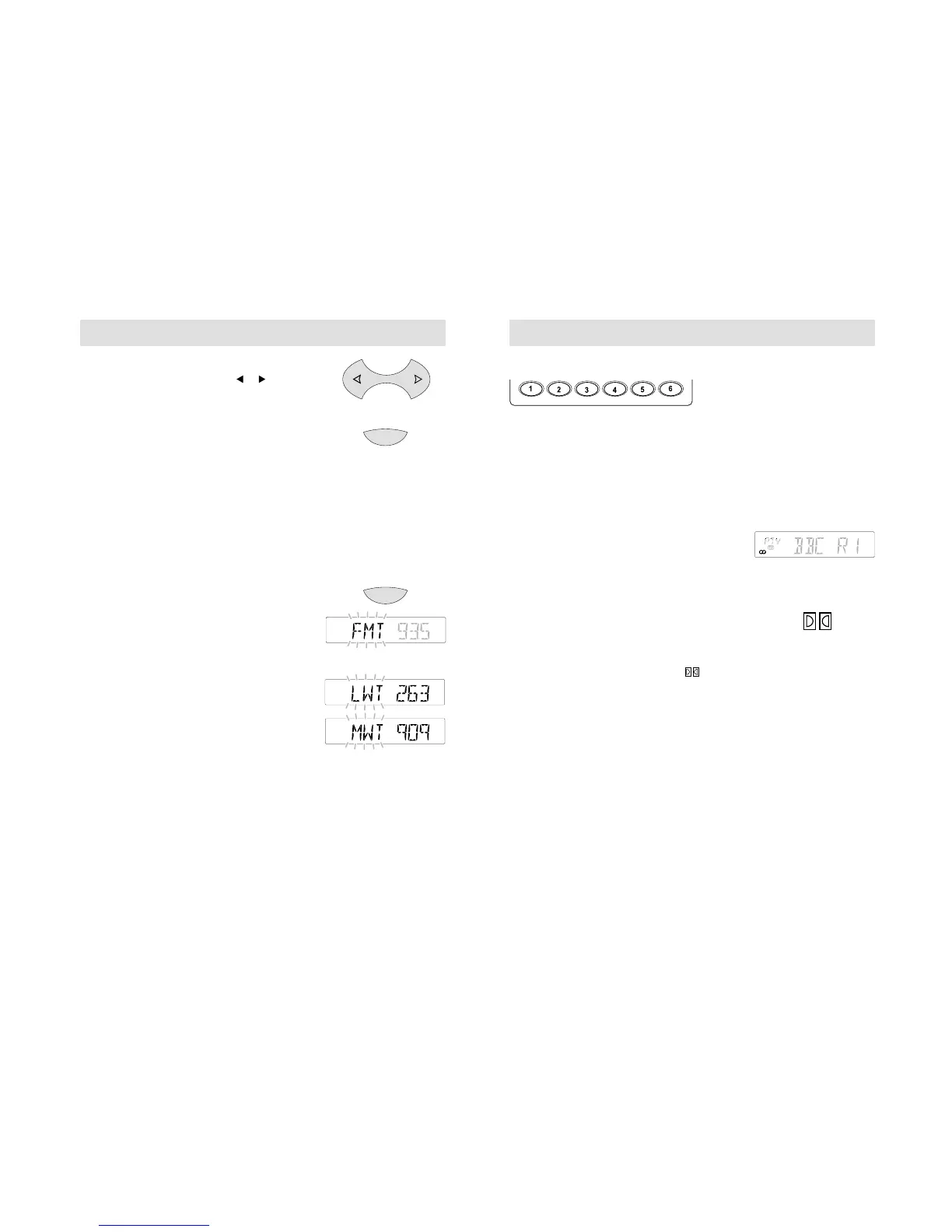
• With an FM waveband selected, 'FMT' flashes
in the display while the unit searches through
the FM frequencies. The six strongest FM
station signals are then stored on the preset
buttons.
• If a LW or MW waveband is selected, 'LWT'
or 'MWT' flashes in the display while the unit
searches through the LW or MW frequencies.
The six strongest LW or MW station signals
are then stored on the preset buttons.
• The audio unit will mute whilst the waveband
is being searched and sound is restored when
the search is complete.
• Each time Autostore is activated, the unit will
store station frequencies from the waveband
last selected and also replaces stations
previously stored.
5500/6500
STATION PRESET BUTTONS
Select a waveband (FM or AM) and tune to the
station required. Press and hold one of the
preset buttons. The audio unit mutes for a few
seconds, then a bleep sounds and radio
reception is restored. This confirms the station
is now stored on that preset button. 36 preset
frequencies can be stored - six on each of the
AM bands (LW and MW, MW.T or LW.T) and
FM bands (FM1, FM2, FM.T).
STEREO INDICATOR
This shows whenever a stereo signal is
received. In poor signal conditions, the
indicator will flicker and then go out when
the signal is finally lost.
DOLBY® NOISE REDUCTION CONTROL
(5500 units only)
• Press during tape playback, to turn
this function on or off.
• With the function switched on, ' ' appears
in the display and background tape noise is
reduced.



 To Next Page