5500/6500
MENU BUTTON
Main features - tape
Use the MENU button to access main menu
features and the button for adjustment.
Clean tape function
For best quality tape playback, all tape
players need regular cleaning. This audio unit
will automatically warn you when cleaning
is required.
•
'TAPE' and 'CLEAN' alternate in the display
.
• Use a wet head cleaning tape and then press
to switch the function off.
• 'RESET' appears briefly in the display to
confirm the function is now off.
Loudness control
See page 28.
Clock and date displays
See page 25.
PTY selection
See page 25.
Additional MENU features- tape
See page 29.
32
33
5500/6500
CD PLAYBACK
(6500 units only)
6500 units are designed to play
commercially pressed 12cm audio
compact discs only. Due to technical
incompatibility, certain recordable and
re-recordable compact discs may not
function correctly.
Irregular shaped CDs and CDs with a
scratch protection film attached should not
be inserted into the CD player. Please
contact your dealer for further information.
CD playback starts and radio reception is
interrupted, when a CD is inserted into the
entry slot. If the audio unit is not switched on,
automatic 'wake up' operates and CD
playback begins.
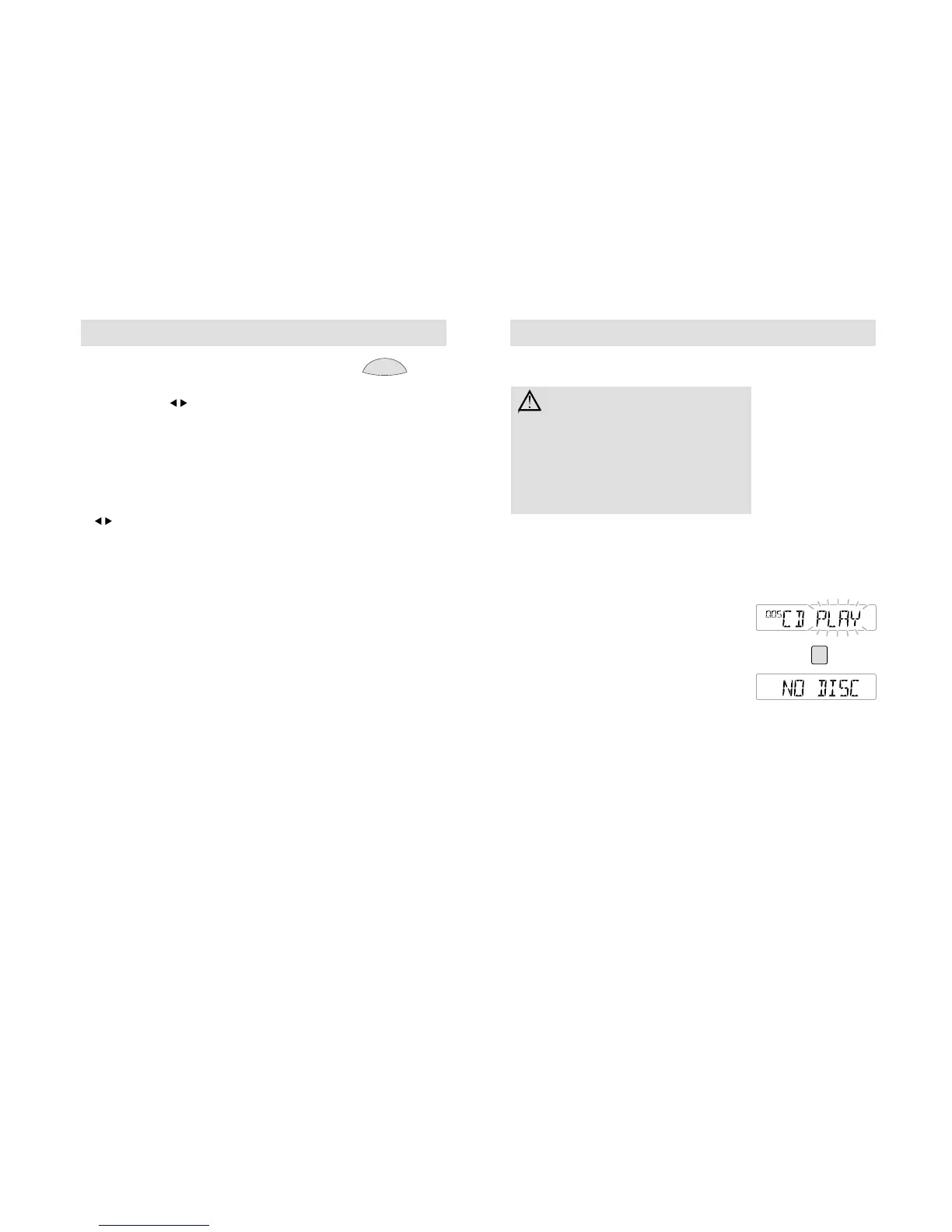
'CD PLAY' appears in the display. Press CD to
start playback from a CD already in the audio
unit. If no disc is inserted, 'NO DISC' appears
in the display
The display indicates elapsed track time.



 To Next Page