30
31
5500/6500
TAPE PLAYBACK
(5500 units only)
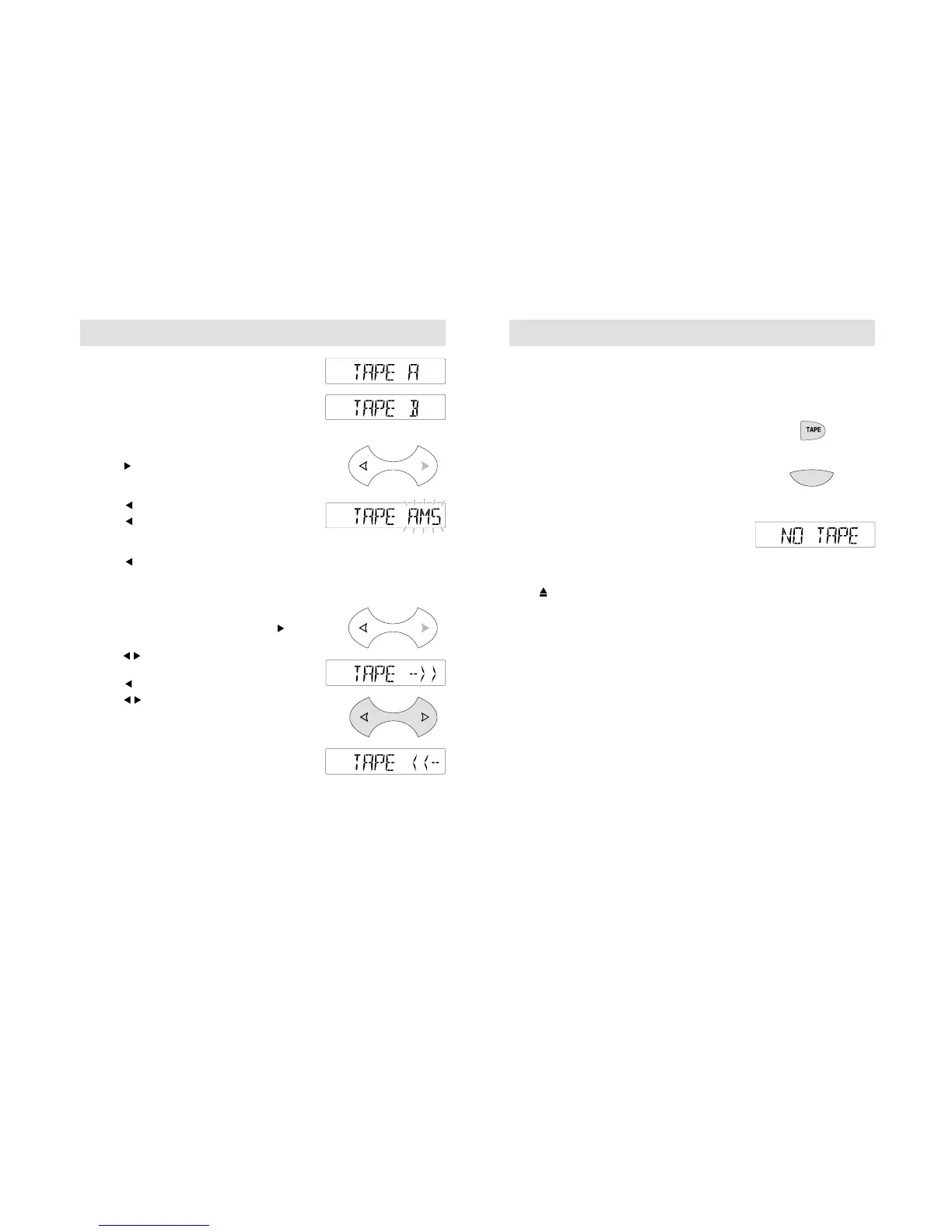
Insert a tape and playback will automatically
start. 'TAPE A or TAPE B' appears in the
display to indicate which side of the tape is
playing.
Automatic Music Search (AMS)
• Press once to activate AMS and obtain the
start of the next track A display like the one
shown opposite appears.
• Press to end the search.
• Press once to obtain the beginnng of
previous tracks. A display like the one shown
opposite appears.
• Press to end a search.
Playback begins automatically when the
beginning of a track is reached.
Fast forward/rewind
• During normal tape playback, press
twice for fast forward.
• Press to end fast forward and restart the
tape.
• Press twice for fast rewind.
• Press to end fast rewind and restart
the tape.
During fast forward and rewind, radio reception
is automatically restored, with Automatic Music
Search function switched off.
5500/6500
Auto reverse
If the end of the tape is reached, auto reverse
operates with playback resuming at the start
of the tape's other side.
Tape side selection
During tape playback, press TAPE to change
the tape side being played.
To end tape playback
Press AM/FM.T to end tape playback and
restore radio reception.
To restart tape playback
During radio reception, press TAPE. If no tape
is inserted, 'NO TAPE' appears in the display.
Tape eject
Press to eject a tape and restore radio
reception.



 To Next Page