5500/6500
22 23
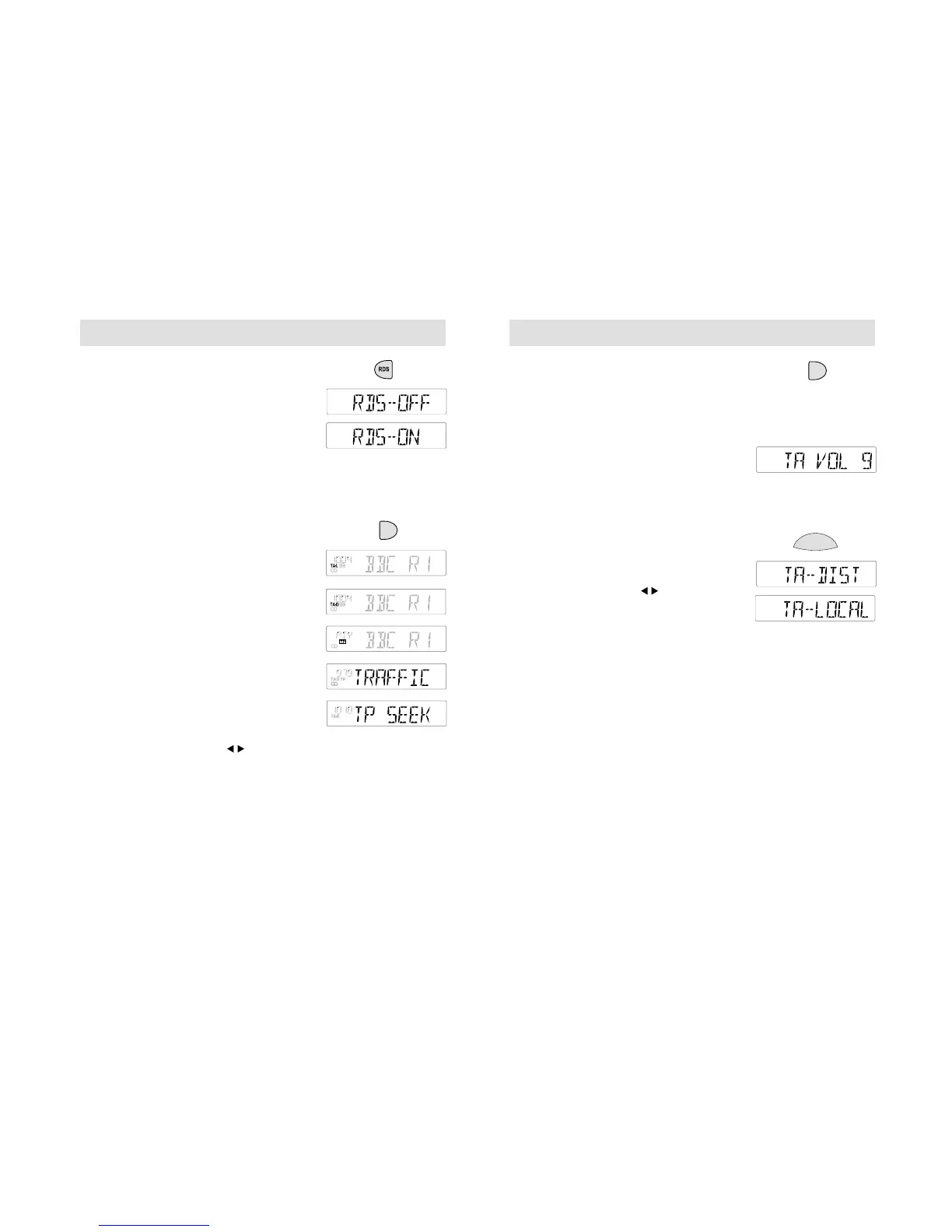
RDS BUTTON
Press to switch the RDS function on ('RDS-ON')
or off ('RDS-OFF'). (See also RDS and RDS-
EON, page 9.)
MAIN RDS FEATURES
• With RDS switched on the following features
may be accessed:
Traffic information
Press the TA button to switch this function on
or off. With the function switched on 'TA-L' or
'TA-D' appear in the display.
• 'TP' is displayed if a traffic station is selected.
• When it is broadcast, traffic information
automatically interrupts normal radio, tape
or CD playback and 'TRAFFIC' appears in
the display. Traffic interrupts at a preset
minimum level, unless a higher volume has
been previously selected for normal listening.
• If the unit is not tuned to a station
transmitting traffic information when TA
is pressed, it will search for one and display
'TP SEEK' while doing so. If nothing is
found, 'Not found' is displayed.
• If a traffic station signal weakens, 'TP' will
flash in the display. Press to find another
station. If this happens during radio, tape or
CD playback, or with the radio volume set to
zero, the unit will retune automatically to
another traffic station.
• If a non traffic station is selected or recalled
using a preset button, the audio unit will
remain on that station unless TA is turned
off, then on again.
5500/6500
To end a traffic announcement
• When a traffic announcement ends, the audio
unit returns to normal sound operation.
• During a traffic announcement, press TA to
end the message, or press it at any other time
to switch off the feature.
Traffic volume levels
Press and hold the TA button until a display
like the one shown opposite appears. Use the
volume control to adjust traffic information
volume levels. The display shows the
level selected.
Local/distant traffic information
Press and hold the MENU button until the
display changes. Then press the MENU button
repeatedly until a display like the one shown
opposite appears. Use the button to
select either local ('TA-LOCAL') or distant
('TA-DIST') traffic announcements.



 To Next Page