5500/6500
Track selection
Press to return to the start of the track being
played. If pressed within three seconds of the
start of a track, the previous track will be
selected. Press repeatedly to select previous
tracks.
Press to select the next track or press
repeatedly to access later tracks.
Repeat track playback (RPT)
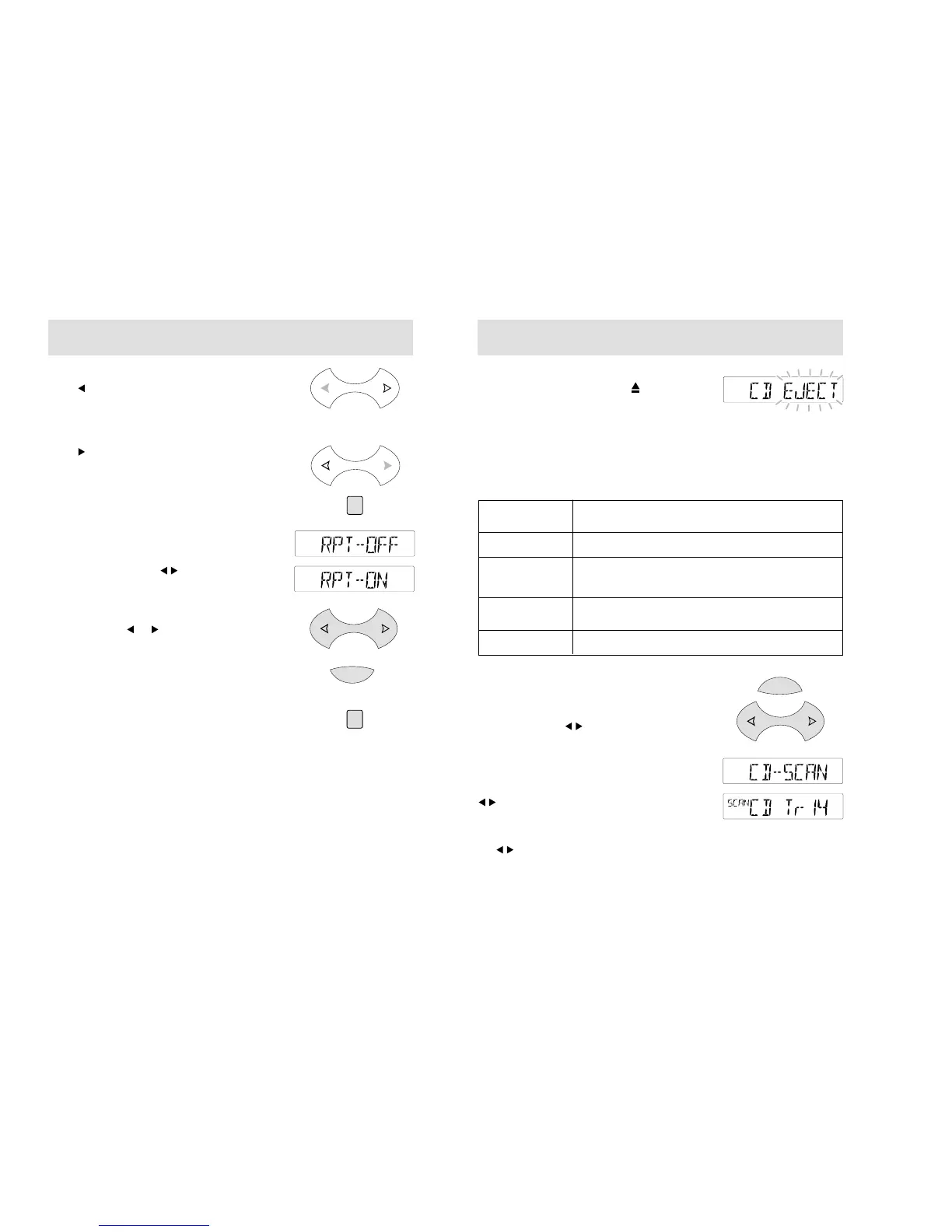
Press and hold the CD button to switch this
function on. A display like the one shown
opposite appears.
With 'RPT ON' displayed, the current track will
play repeatedly. Press , or the CD button
again, to switch the function off.
Fast forward/reverse
Press and hold or to search backwards or
forwards across the tracks on the disc.
To end CD playback
Press the AM/FM.T button to restore radio
reception without ejecting the disc.
To reselect CD playback, press the CD button
and the CD will start from wherever playback
was last interrupted.
AM/FM.T
CD
CD
5500/6500
34
35
CD eject
• During CD playback, press to eject a CD.
• When ejected, the disc is held ready for
removal.
CD error codes
Codes may be shown in the audio unit display
that indicate errors with the CD unit.
These codes are as follows:
MENU BUTTON
Main features - CD
Use the MENU button to access main menu
features, and the button for adjustment.
Track scanning
Press the MENU repeatedly until a display like
the one shown opposite appears. Then use the
button to scan tracks on the CD. Each time
a track is found, a few seconds of track playback
will be heard before the scan continues. The
display shows briefly each track selected. Press
the button again to end the scan.
E2E or E2D
E23, E24, E25,
E26, E27, E28,
E29, E2B or E2C
CD HOT
E81, E84 or E85
Internal fault, see your Local Dealer
Clean the disc and try again. If error still shows,
see your Local Dealer
Ambient temperature too hot - unit will not work
until it has cooled down.
There is an eject fault, see your Local Dealer
Display Description/rectification
MENU



 To Next Page
 Loading...