5500/6500
28 29
Loudness control
(6500 units only)
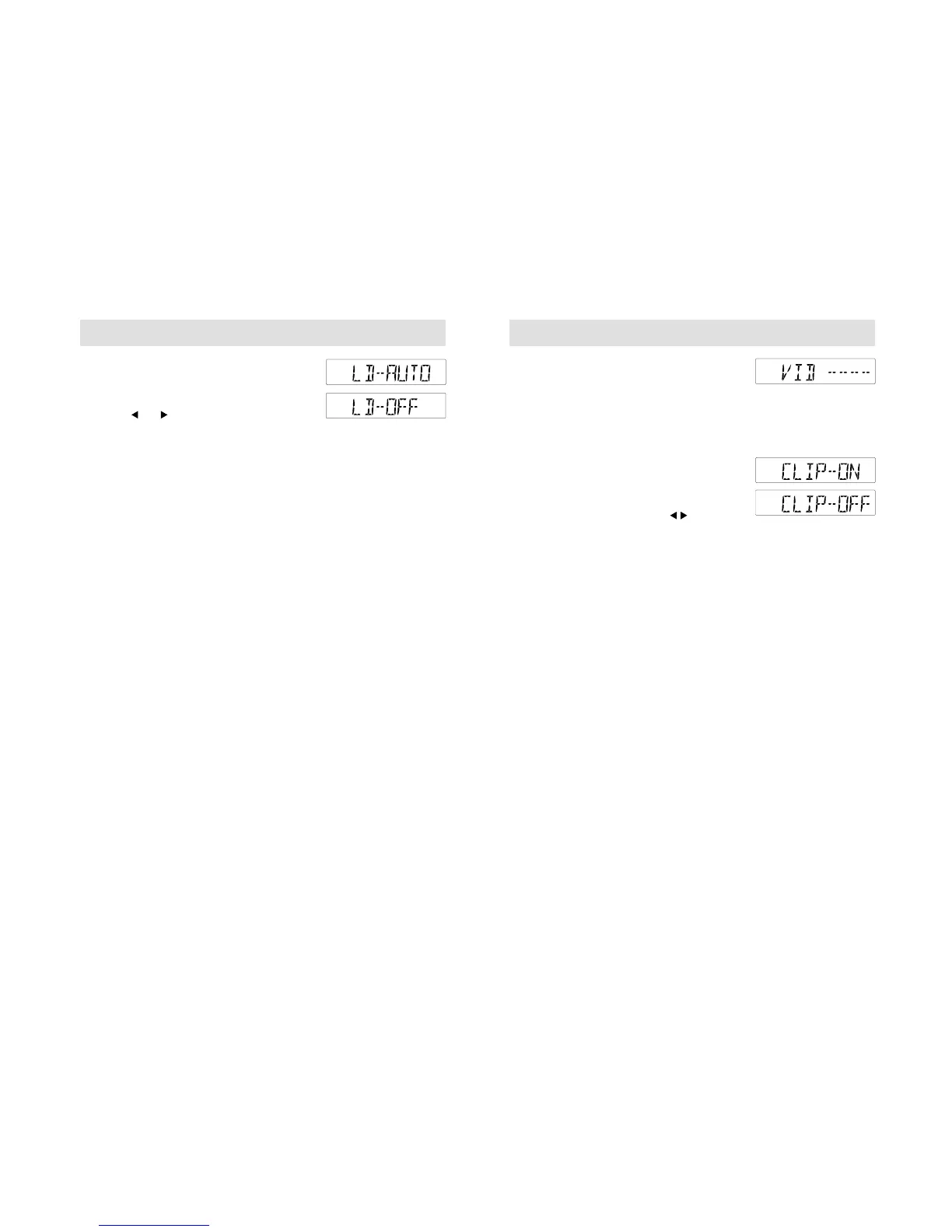
Press the MENU button repeatedly, until a
display like the one shown opposite appears.
Then use or to switch this function on
('LD-AUTO') or off ('LD-OFF').With this
function activated, the unit automatically
detects low volume audio output and raises
the level of bass frequencies.
5500 units only
Press the LD button to switch this function
on or off.
Clock and date displays
See page 25.
PTY selection
See page 25.
Local/Distant traffic
See page 23.
Music/speech selection
See page 25.
Alternative frequencies
See page 24.
5500/6500
Additional MENU features - radio, tape and CD
Vehicle Identification Number (VID) coding
Press and hold the MENU button until the
display changes. Then press the MENU button
repeatedly until a display like the one shown
opposite appears. To enter or alter a VID
coding, refer to System Security, page 5.
Audio distortion reduction (CLIP)
Press and hold the MENU button until the
display changes. Then press the MENU button
repeatedly until a display like the one shown
opposite appears. Then use the button to
turn this function on or off.
With the feature activated, the audio unit
automatically detects sound distortion and
reduces the unit's volume level until the
distortion has been eliminated. This means
that when the volume control is adjusted, with
the CLIP function switched on, there may not
be an increase in sound.



 To Next Page