36 | RD-101 Owner’s manual RD-101 Owner’s manual | 37
SELECT
INPUT
MENU
STANDBY
MUTE
SELECT
INPUT
MENU
STANDBY
MUTE
7. EXAMPLES OF OPERATION7. EXAMPLES OF OPERATION
Setting fixed volume for inputs Configuring auto standby
EXAMPLE 7
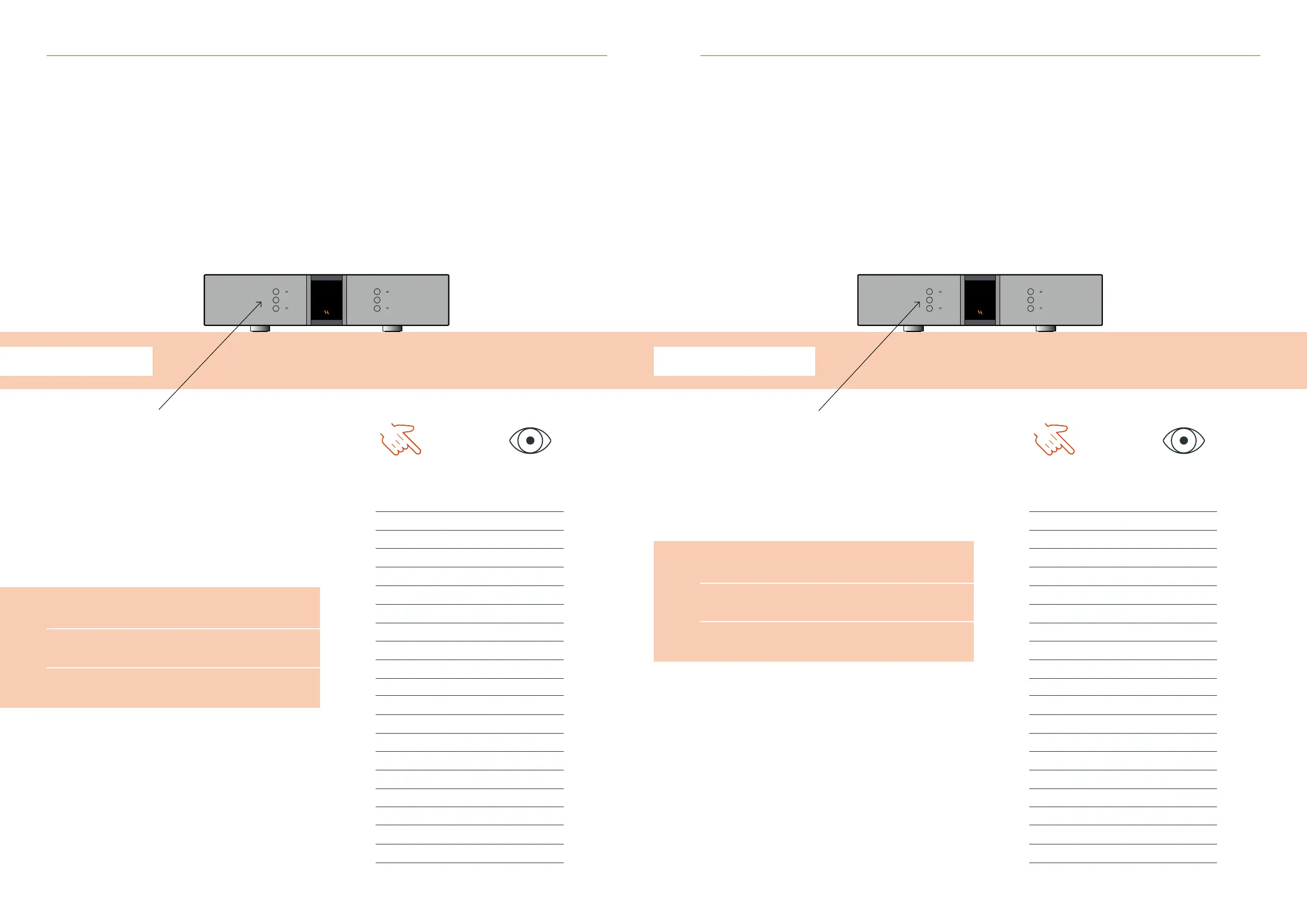
Conguring auto standby
The RD-101 can be congured to automatically go into standby after
a set time period, after no buttons on the remote or front of the unit
having been pressed. Press the “MENU” button to enter menu mode.
Use the function buttons on the front of the unit to navigate to
SETUP - AutoStb.
1. r
Scroll forwards in the menu.
2. MENU/SELECT
Enter and exit submenus and select settings.
3. s
Scroll backwards in the menu.
Enter the AutoStb menu and navigate up to the desired auto standby
time, in this case 30 minutes. Then press select and navigate to the
exit menu point and press select again.
The new auto standby time setting has now been saved.
EXAMPLE 6
Setting xed volume for inputs
Each individual input on the RD-101 can be set to a xed volume
in the menu. The input is then locked to the set volume step and
can no longer be adjusted.
This function is used as the “home theater bypass” function,
if you have a surround processor that controls the volume.
Press the “MENU” button to enter menu mode.
Use the function buttons on the front of the unit to navigate
to SETUP - INPUTS and select the desired input.
1. r
Scroll forwards in the menu.
2. MENU/SELECT
Enter and exit submenus and select settings.
3. s
Scroll backwards in the menu.
Select FIXED - SET FIX and use the function buttons to set the x
to FIX ON, press select. Then select the ADJUST menu point and
use the function buttons to navigate to the desired volume step.
Press select and navigate to the exit menu point and press select again.
The input has now been set to a xed volume step and can no longer
be adjusted.
The x can always be turned o by repeating the steps above and set
the x to FIX OFF.
YOU PRESS
MENU
SELECT
SELECT
SELECT
SELECT
SELECT
SELECT
SELECT
SELECT
SELECT
YOU SEE
Line 1
< EXIT
SETUP >
< BACK
INPUTS >
< BACK
INPUT1 >
< BACK
< EXIT
FIXED >
< BACK
SET FIX >
FIX OFF
FIX ON
SET FIX >
ADJUST >
-40 dB
0.0 dB
ADJUST >
< EXIT
Line 1
YOU PRESS
MENU
SELECT
SELECT
SELECT
SELECT
YOU SEE
Line 1
< EXIT
SETUP >
< BACK
INPUTS >
BRIGHT >
LOGO >
V.INIT >
RESET >
AutoStb >
OFF
30 Min
AutoStb >
RESET >
V.INIT >
LOGO >
BRIGHT >
INPUTS >
< BACK
< EXIT
Line 1



 To Next Page