8 | RD-101 Owner’s manual
1. GETTING STARTED1. GETTING STARTED
What’s in the box, and how
to correctly unpack it
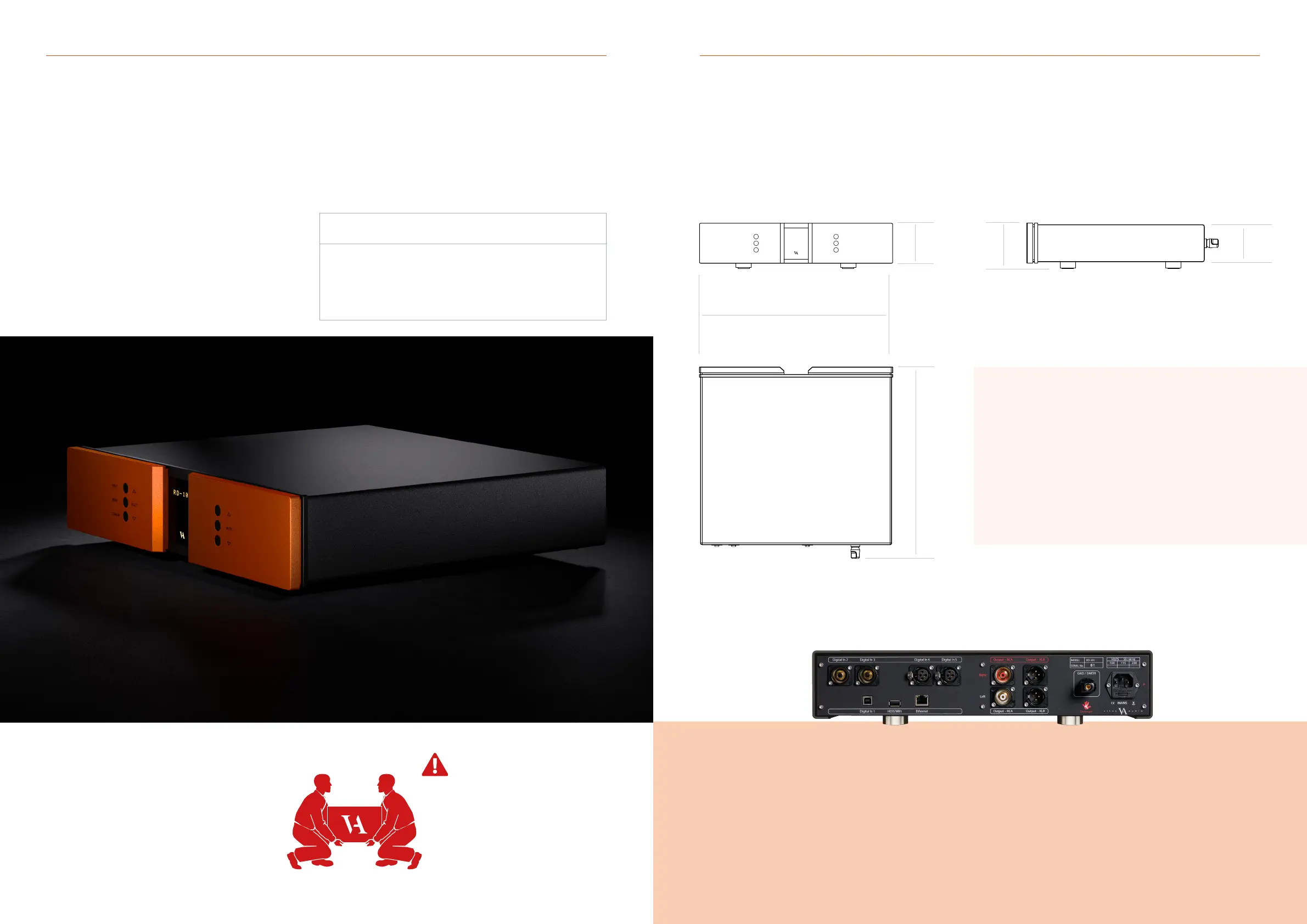
RD-101 device overview
Gently cut open the tape on the top of the box, making sure not
let the knife protrude too much. Open the box and remove the
foam top with all the included accessories. Next, remove the 4
foam corners from the front and back of the product. With two
people, carefully lift the amplier out of the box.
Store the empty box and protective foam for later use.
Box contents
RD-101
Mac Remote
Power Cable
USB with Manual and Brochure
Foam top 1
Foam top 2
Foam Sides 6 pieces
Foam bottom
This amplier is VERY heavy.
Make sure that you have at least
two people when unpacking and
moving the unit. You might damage
both your back and the amplier if
extra care is not taken. AVA Group
A/S cannot be held responsible
for any damage incurred as a result
of careless handling of the unit.
RD-101 Owner’s manual | 9
SELECT
INPUT
MENU
STANDBY
MUTE
Material: Aluminium for body parts
Dimensions (H x W x D): 103 x 435 x 431 (mm)
Total weight: 12Kg
431 mm
90 mm
85 mm
103 mm
435 mm



 To Next Page