38 | RD-101 Owner’s manual RD-101 Owner’s manual | 39
SELECT
INPUT
MENU
STANDBY
MUTE
7. EXAMPLES OF OPERATION7. EXAMPLES OF OPERATION
Restore factory settings
EXAMPLE 8
Restore factory settings
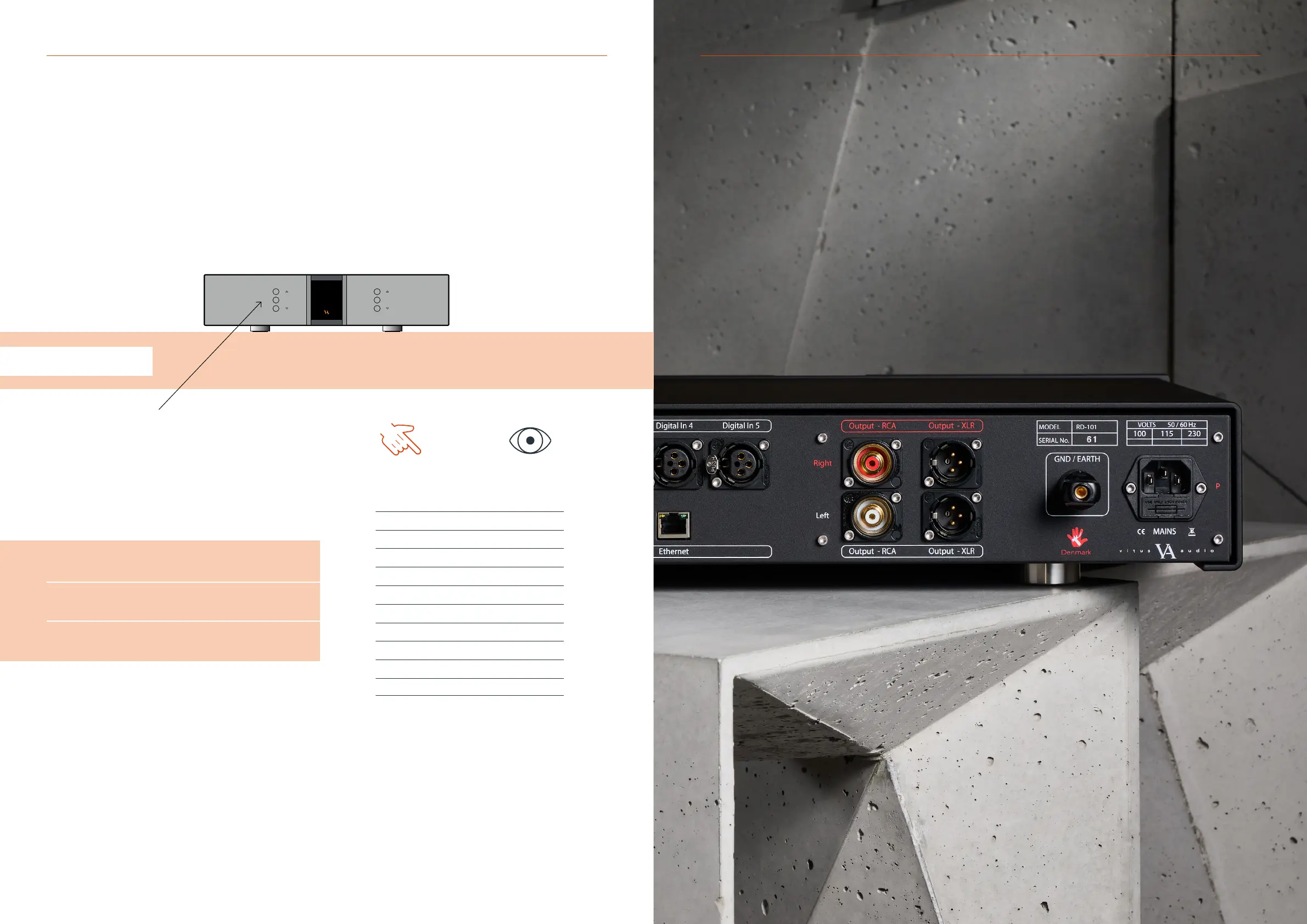
The RD-101 can be restored to it’s factory settings if needed.
Press the “MENU” button to enter menu mode.
Use the function buttons on the front of the unit to navigate
to SETUP - RESET.
1. r
Scroll forwards in the menu.
2. MENU/SELECT
Enter and exit submenus and select settings.
3. s
Scroll backwards in the menu.
Enter the RESET menu and navigate up or down utilising the function
buttons, until the displays show RES:YES. Then press select and the
RD-101 will reset itself and go into standby.
The product has now been reset to factory settings and put into
standby mode.
YOU PRESS
MENU
SELECT
SELECT
SELECT
YOU SEE
Line 1
< EXIT
SETUP >
< BACK
INPUTS >
BRIGHT >
LOGO >
V.INIT >
RESET >
RES: NO
RES: YES
RESETTIN



 To Next Page