Vivint Element CT200 Operation Guide
Product Overview
5
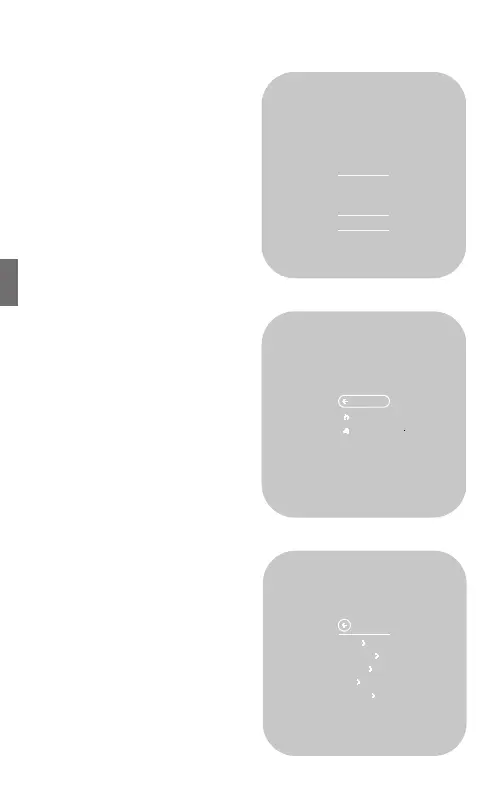
Outside Temp Screen
This screen displays the outside
temperature and inside humidity
(in %), and lets you put the system
into Vacation mode.
To see this screen, press the SIDE
button twice.
Menu Screen
This screen enables you to change
the mode (heat/cool/o) and fan
operation (auto/on/15 min/30
min/1 hr).
To see this screen, from the
Home screen, press the SIDE
button once.
If your system is in a heating and
cooling mode, press the SIDE
button twice.
Settings Screen
This screen enables you to adjust
the Thermostat’s settings, such
as display units (°F or °C), target
humidity levels, how the display
activates, see information about
the Thermostat, and adjust
installation settings.
To see this screen, from the Home
screen, press and hold the SIDE
button for three (3) seconds.
60°
25%
INSIDE
HUMIDITY
OUTSIDE
TEMPERATURE
Vacation
Cool
15 min 30 min
1 hr
Heat&CoolHeat
Auto
Back
Units
Humidity
Display
Info
Installer
SETTINGS
34



 To Next Page