Customization
Vivint Element CT200 Operation Guide
STAGING
1. From the Home screen, press
and hold the SIDE button for
three (3) seconds.
2. Press DOWN to highlight
Installer, then press the SIDE
button.
3. Press DOWN to highlight
Comfort, then press the SIDE
button.
4. Press DOWN to highlight
Staging, then press the SIDE
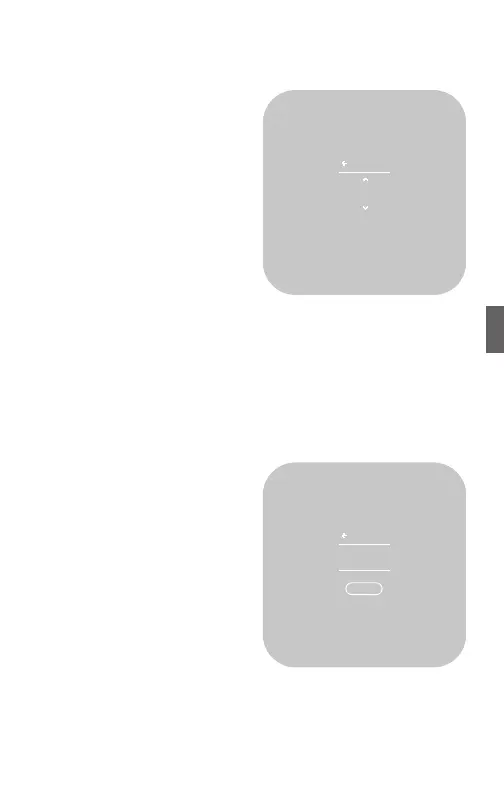
button. The current staging
value displays.
5. Press UP or DOWN to change the value, then press the SIDE
button to conrm.
NETWORK
Network settings enable you to link (connect) the Thermostat to a
Z-Wave Network, and to reset the network connection.
LINK
Before starting this procedure, go
to your Vivint panel and prepare
it for new devices. Once it is
ready, link the Thermostat to the
network.
1. From the Home screen, press
and hold the SIDE button for
three (3) seconds.
2. Press DOWN to highlight
Installer, then press the SIDE
button.
3. Press DOWN to highlight
Network, then press the SIDE
button.
4. Press DOWN to highlight Link, then press the SIDE button.
The current networking status displays.
OFF TARGET
3.5°
START STAGE
2 WHENEVER
Link
NETWORK
STATUS
Unlinked
41



 To Next Page