10
Powering On & Off
Powering On
NOTES:
1. Your camcorder will also power on or power off by opening or
closing the screen.
2. When not used for an extended period, your camcorder will
automatically power off in order to save power.
Press and hold the Power button to power off your camcorder.
Powering Off
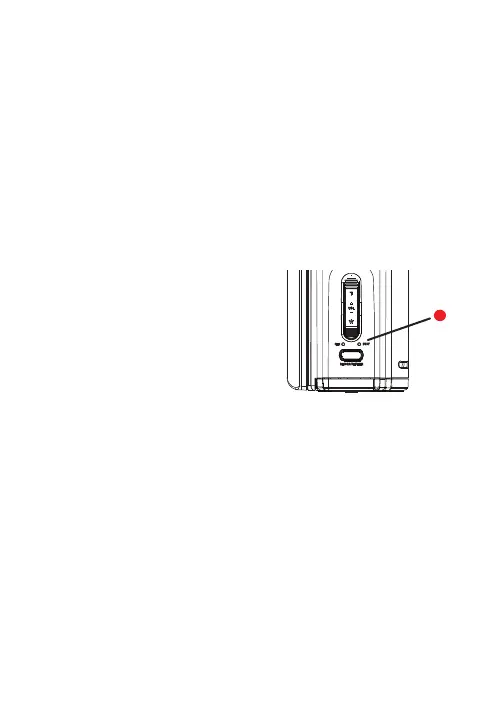
When Powering on, the BUSY light
indicator will emit a red light.
To power on your camcorder, press the Power button.



 To Next Page