7
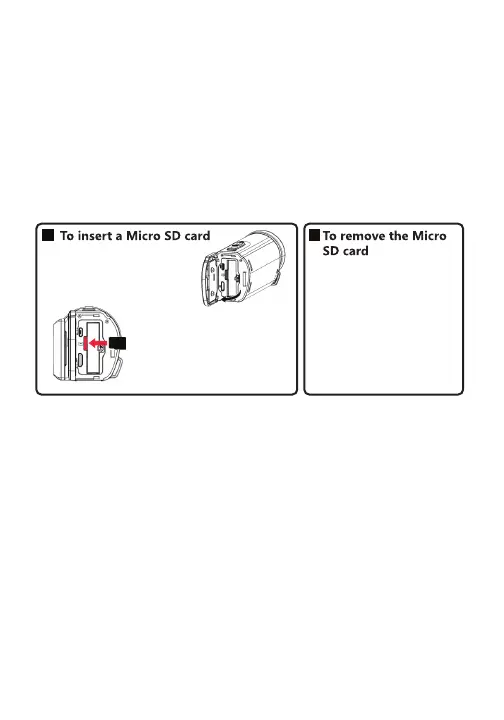
Before powering on your camcorder, insert a Micro SD memory
card into the memory card slot. A Micro SD memory card is
required in order to store recorded photos and videos. To
ensure smooth performance, it is recommended to use a
memory card rated class 10 or above, with a capacity between
16-128GB.
NOTE:
1. If a “Card is Full” error message appears on your display
screen, you can either delete files or use another card in
order to take more photos or videos.
Inserting a Memory Card
2. You may need to format a memory card for the
camcorder to recognize it properly. Be sure to backup
any files stored on a memory card before formatting, as
the formatting process will delete all files stored on the
card.
1. Close the monitor to
turn off device
2. Open the battery
cover
3. Insert a Micro SD
card into the
memory card slot.
Push the Micro SD
card inward once,
then pull it out.



 To Next Page