17
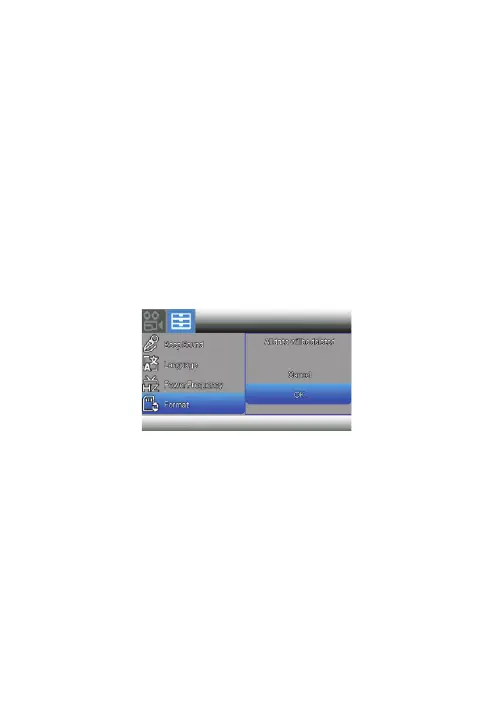
Formatting Micro SD Memory Card
NOTE:
Formatting the memory card will
erase all of the data stored on it. The
data will be irrecoverable.
Make sure to save your important
data on a PC before formatting.
You may need to format the memory card for the camcorder to
be able to recognize it properly. The Micro SD card file system
should be formated to FAT/exFAT.
To format the memory card, press the Menu button twice (or
press Menu button once and use the Zoom/Volume button) to
open the Setup menu.
In the Setup menu, press the Up & Down buttons to move
selection to Format, then press Mode/OK to choose [Format].
Repeat to choose [OK].



 To Next Page