6
Button Functions
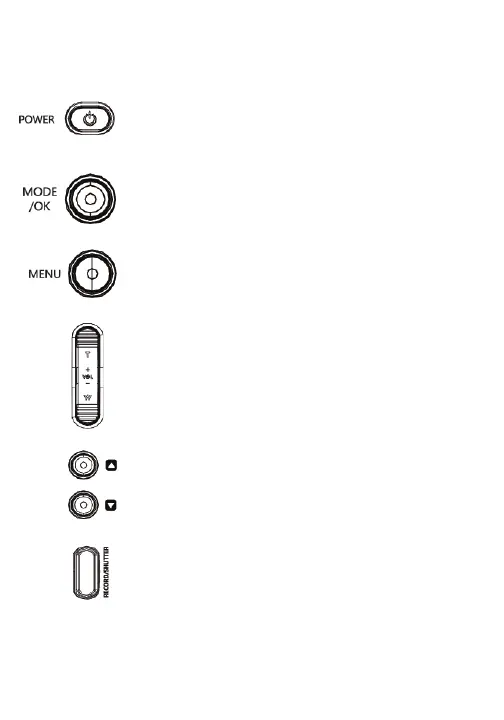
-Press to power on the camcorder.
-Press and hold to power o the camcorder.
-Press to pull up settings menu.
-Press to exit menu or return to previous menu.
-Press the UP & DOWN Buttons to toggle through
selections on the display screen.
-Press to switch between camera modes.
-Zoom in or out in (wide/telephoto) in photo/video mode.
-Adjust volume during video playback.
-Toggle through menus.
Power Button
Menu Button
UP & DOWN Buttons
Mode Button
Zoom/Volume Button
-In video mode, press to start and stop recording.
-In photo mode, press to take a picture.
Record/Shutter Button



 To Next Page