18
Accessing Menus
Each mode has a corresponding menu that is accessed with the
Menu button. To change photo or video settings, the correspond-
ing mode must be running. To access photo settings, photo mode
must be on. To access video settings, video mode must be on.
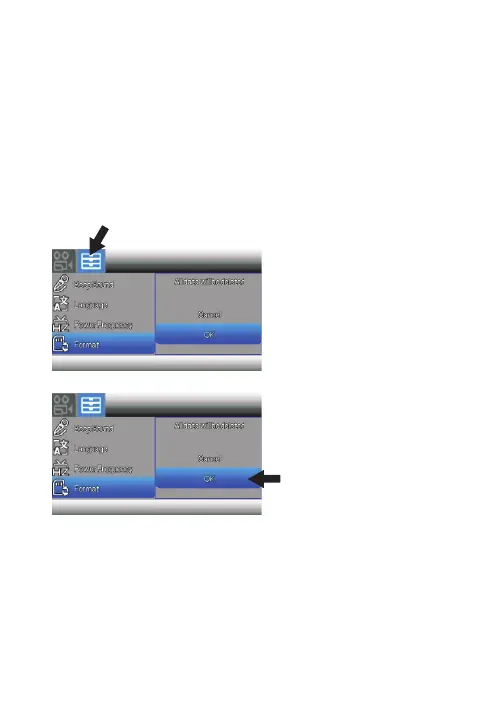
The two menu categories are labeled as Photo/Video and Setup.
Press the Zoom/Volume
button to shift between
camera/video and setup
menus.
Use the Up & Down buttons
to move through the
selections. Press Mode/OK
to select an option.
Press the Menu button to go to Setup menu, or press again
to exit menu.



 To Next Page