DLP Projector—User’s Manual
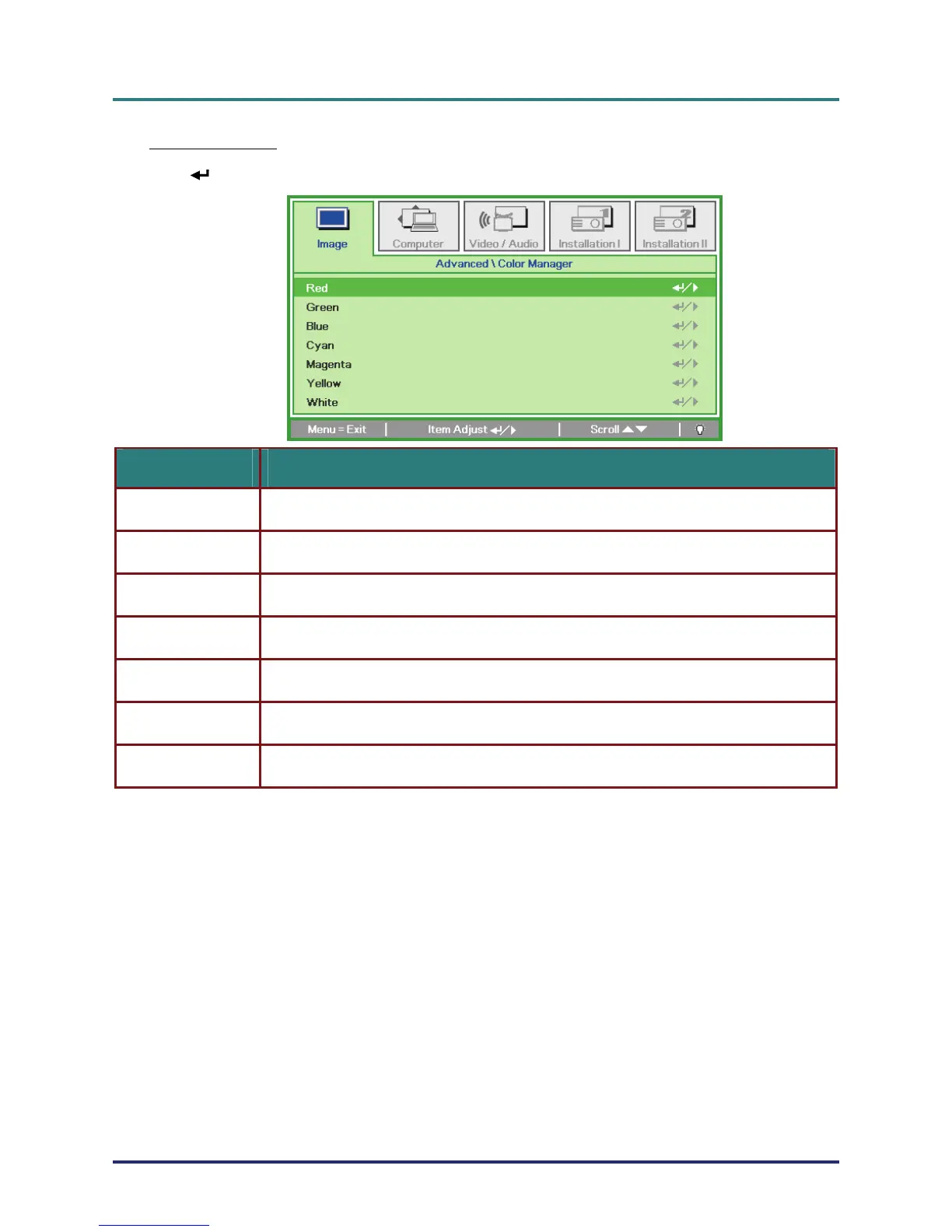
Color Manager
(Enter) / ► to enter the Color Manager sub menu.
Press
ITEM DESCRIPTION
Select to enter the Red Color Manager.
Press the ◄► buttons to adjust the Hue, Saturation, and Gain.
Red
Select to enter the Green Color Manager.
Press the ◄► buttons to adjust the Hue, Saturation, and Gain.
Green
Select to enter the Blue Color Manager.
Press the ◄► buttons to adjust the Hue, Saturation, and Gain.
Blue
Select to enter the Cyan Color Manager.
Press the ◄► buttons to adjust the Hue, Saturation, and Gain.
Cyan
Select to enter the Magenta Color Manager.
Press the ◄► buttons to adjust the Hue, Saturation, and Gain.
Magenta
Select to enter the Yellow Color Manager.
Press the◄► buttons to adjust the Hue, Saturation, and Gain.
Yellow
Select to enter the White Color Manager.
Press the ◄► buttons to adjust the Red, Green, and Blue.
White
– 24 –



 To Next Page