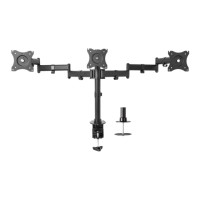
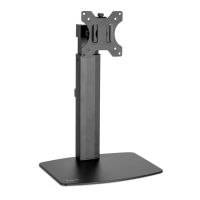
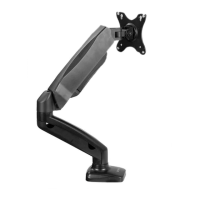
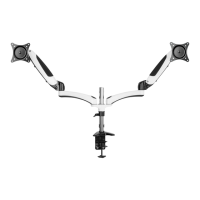
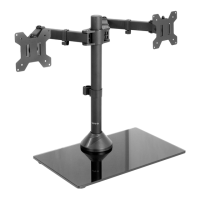
Need help?
Do you have a question about the Vivo STAND-V001 and is the answer not in the manual?
Alerts to serious crushing injuries from tipover and provides prevention methods.
Warns about small parts being a choking hazard for young children, requiring adult supervision.
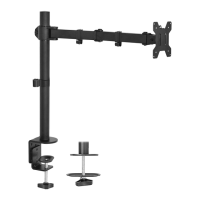
Instructions for installing the desk clamp to the pole or preparing for and installing the grommet plate.
Attaching the swivel arm and pole cap to the pole, securing with Allen wrench.
Attaching cable clips onto each segment of the swivel arm for cable management.
Attaching the VESA plate to monitors with flat or curved backs using specific screws and spacers.
Sliding the VESA plate with monitor onto the swivel arm and securing with the security nut.
Managing cables within the installed cable clips and pole cable clip.
Tightening the screw with the 5mm Allen Wrench to fix the tilt angle and make adjustments.
 General
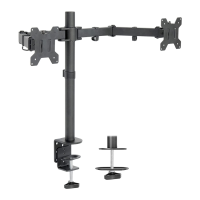
| Type | Monitor Stand |
|---|---|
| Color | Black |
| VESA Compatibility | 75x75mm and 100x100mm |
| Screen Size | Up to 32 inches |
| Height Adjustment | Yes |
| Material | Steel |
| Rotation | 360 degrees |
| Compatibility | Most flat-screen monitors |

 To Next Page