VIVOTEK
104 - User's Manual
■ Recording notify
This option allows the Network Camera to trigger when the recording disk is full or when recording
starts to rewrite older data.
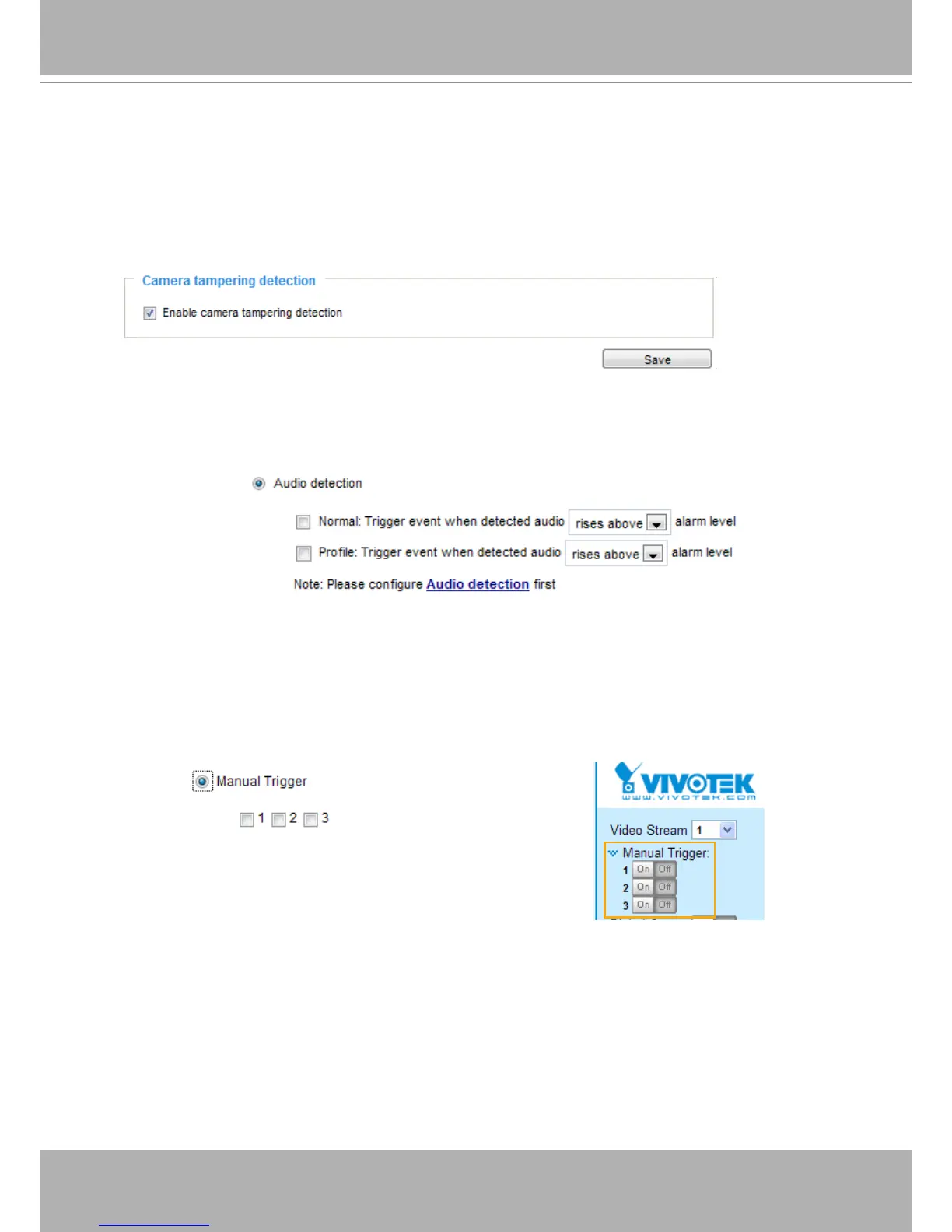
■ Camera tampering detection
This option allows the Network Camera to trigger when the camera detects that is is being tampered
with. To enable this function, you need to congure the Tampering Detection option rst. Please refer
to page 119 for detailed information.
■ Audio detection
A preset threshold can be congured with an external microphone as the trigger to system event. The
triggering condition can be an input exceeding or falling below a threshold. Audio detection can take
place as a complement to motion detection or as a method to detect activities not covered by the
camera's view.
Once you have a preset audio alarm level, you can dene the triggering condition either as an audio
input rises above or falls below the alarm level.
■ Manual Trigger
This option allows users to enable event triggers manually by clicking the on/off button on the
homepage. Please congure 1 to 3 associated events before using this function.



 To Next Page