VIVOTEK
User's Manual - 57
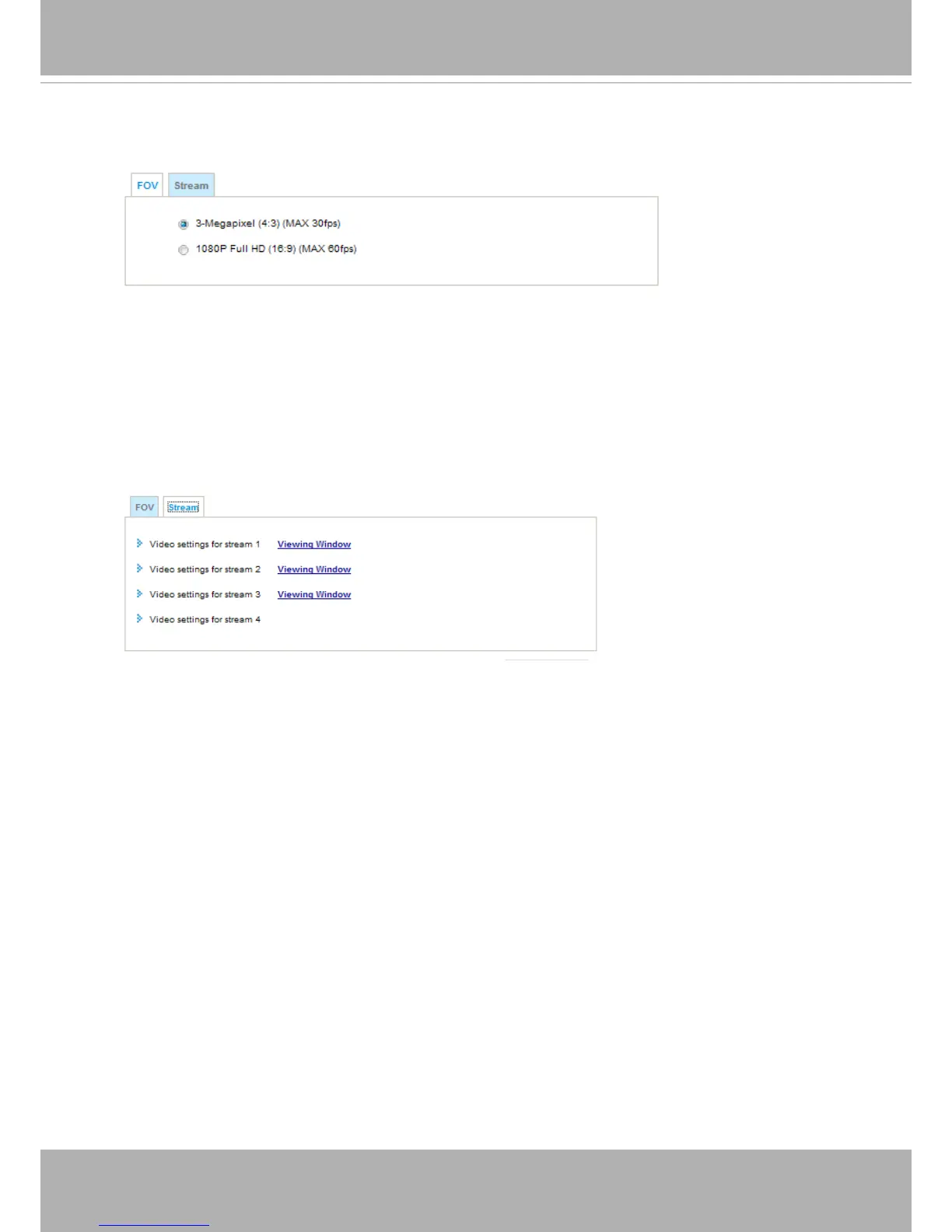
FOV
You might select the full resolution of 3 Megapixel with a maximum frame rate of 30fps.
You may also select a 1080P resolution in order to reach a 60fps frame rate. Note that changing
the FOV will erase your preset points and privacy masks settings.
Media > Video > FOV
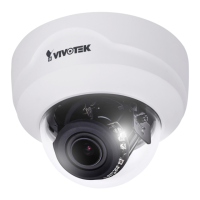
Stream settings
This Network Camera supports multiple streams with frame sizes ranging from
176 x 144 to 2048 x1536 (FD8171).
The denition of multiple streams:
■ Stream 1: The default frame size for Stream 1 is set to the 2048 x 1536 at 30fps.
■ Stream 2: The default frame size for Stream 2 is set to the 1620 x 1200 at 30fps.
■ Stream 3: The default frame size for Stream 1 is set to the 176 x 144 at 5fps.
■ Stream 4: The default frame size for Stream 2 is set to the 2048 x 1536 at 30fps.
Media > Video > Stream



 To Next Page