VIVOTEK
User's Manual - 59
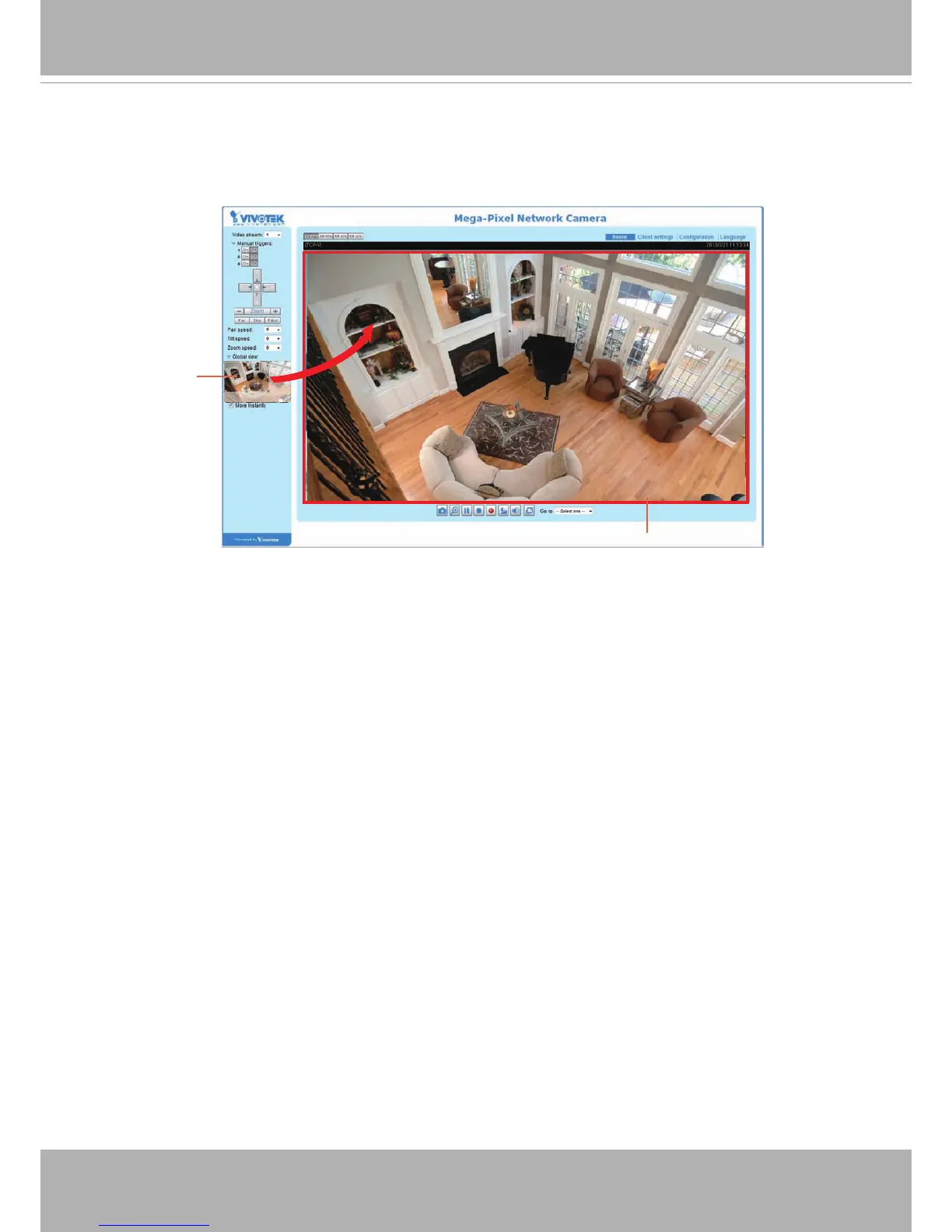
When completed with the settings in the Viewing Window, click Save to enable the settings and
click Close to exit the window. The selected Output Frame Size will immediately be applied to
the Frame size of each video stream. Then you can go back to the home page to test the e-PTZ
function. For more information about the e-PTZ function, please refer to page 98.
X2.1
Region of Interest
(Viewing Region)
Output Frame Size
(Size of the Live View Window)



 To Next Page