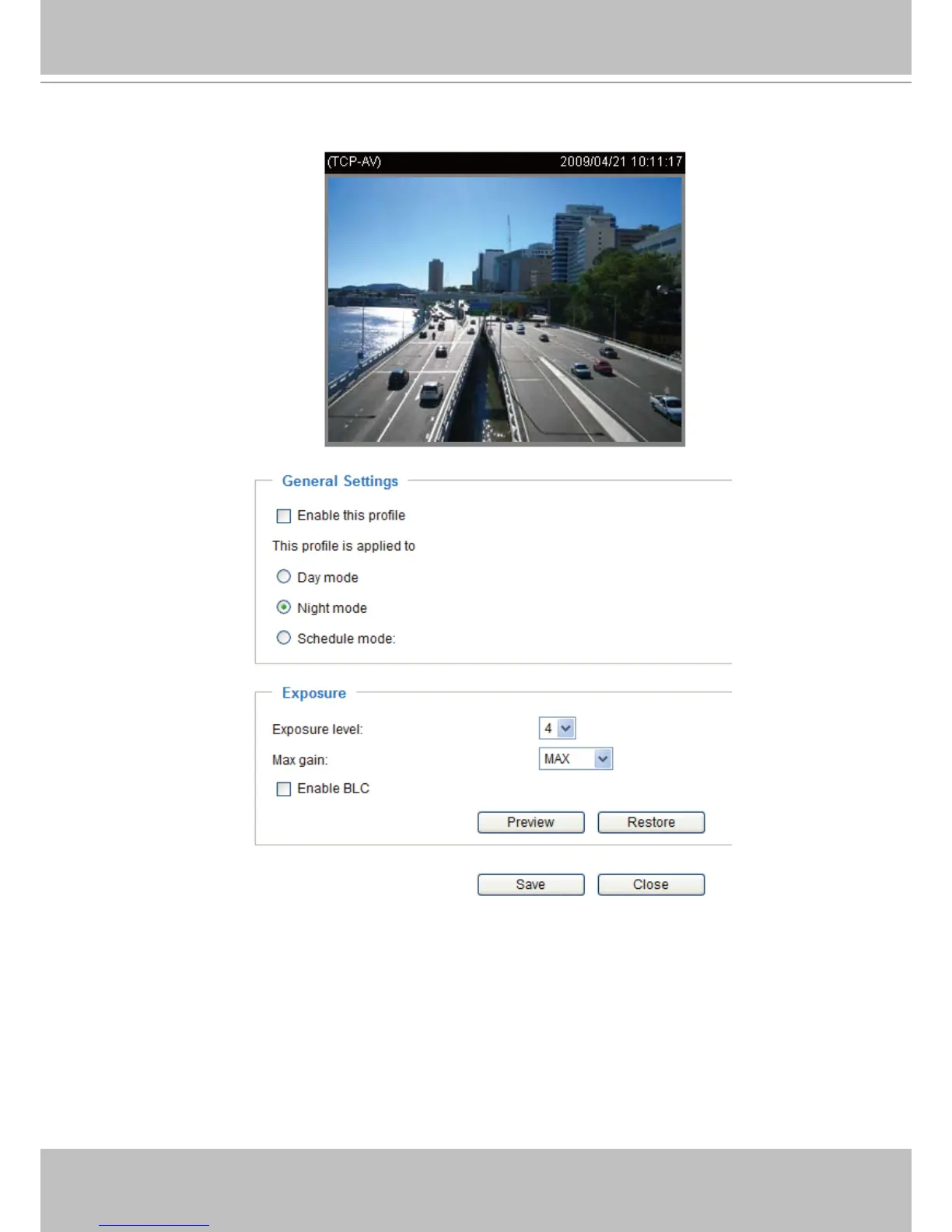
If you want to congure another sensor setting for day/night/schedule mode, please click Prole to open
the Sensor Settings Prole Settings page as shown below.
Please follow the steps beolw to set up a prole:
1� Check Enable this prole�
2� Select the applied mode: Day mode, Night mode, or schedule mode� Please manually enter a range of
time if you choose Schedule mode�
3. Congure Exposure settings in the second column. Please refer to last page for detailed information�
4� Click Save to enable the setting and click Close to exit the page.



 To Next Page