VIVOTEK
68 - User's Manual
automatically provide the necessary light compensation�
You can click Preview for a glimpse of expected results, or click Restore to recall the original settings
without incorporating the changes� When completed with the settings on this page, click Save to enable
the settings and click Close to exit the page�
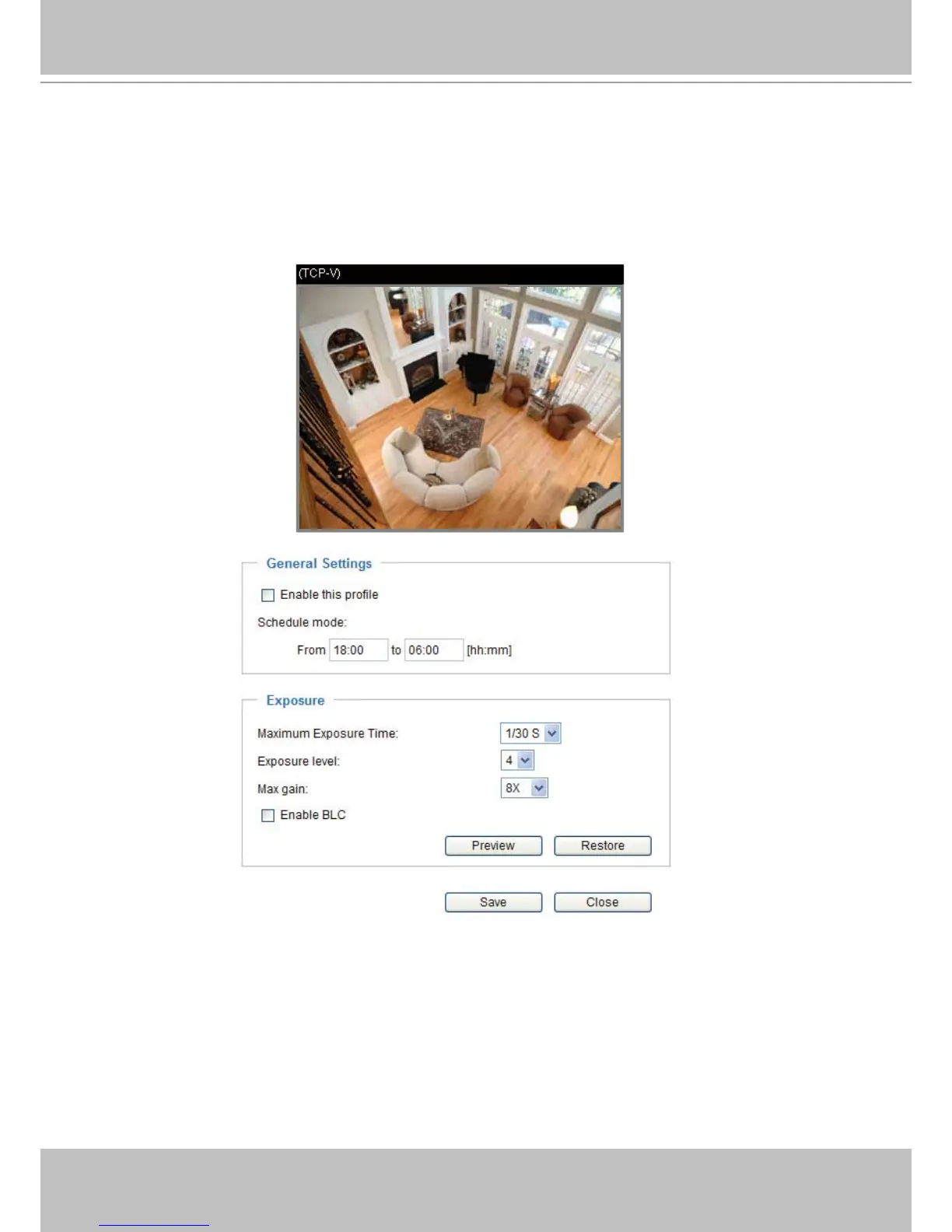
If you want to congure another sensor setting for a scheduled mode, please click Prole to open the
Sensor Settings Prole Settings page as shown below.
Please follow the steps below to setup a prole:
1� Check Enable this prole�
2� Enter a range of time for the Schedule mode�
3� Configure Exposure settings in the second column� Please refer to the previous page for detailed
information�
4� Click Save to enable the setting and click Close to exit the page�
2011/01/17 13:44:17



 To Next Page