VIVOTEK
User's Manual - 83
Trigger
This is the cause or stimulus which defines when to trigger the Network Camera� The trigger source
can be congured to use the Network Camera’s built-in motion detection mechanism, PIR, Tampering
Detection, or external digital input devices�
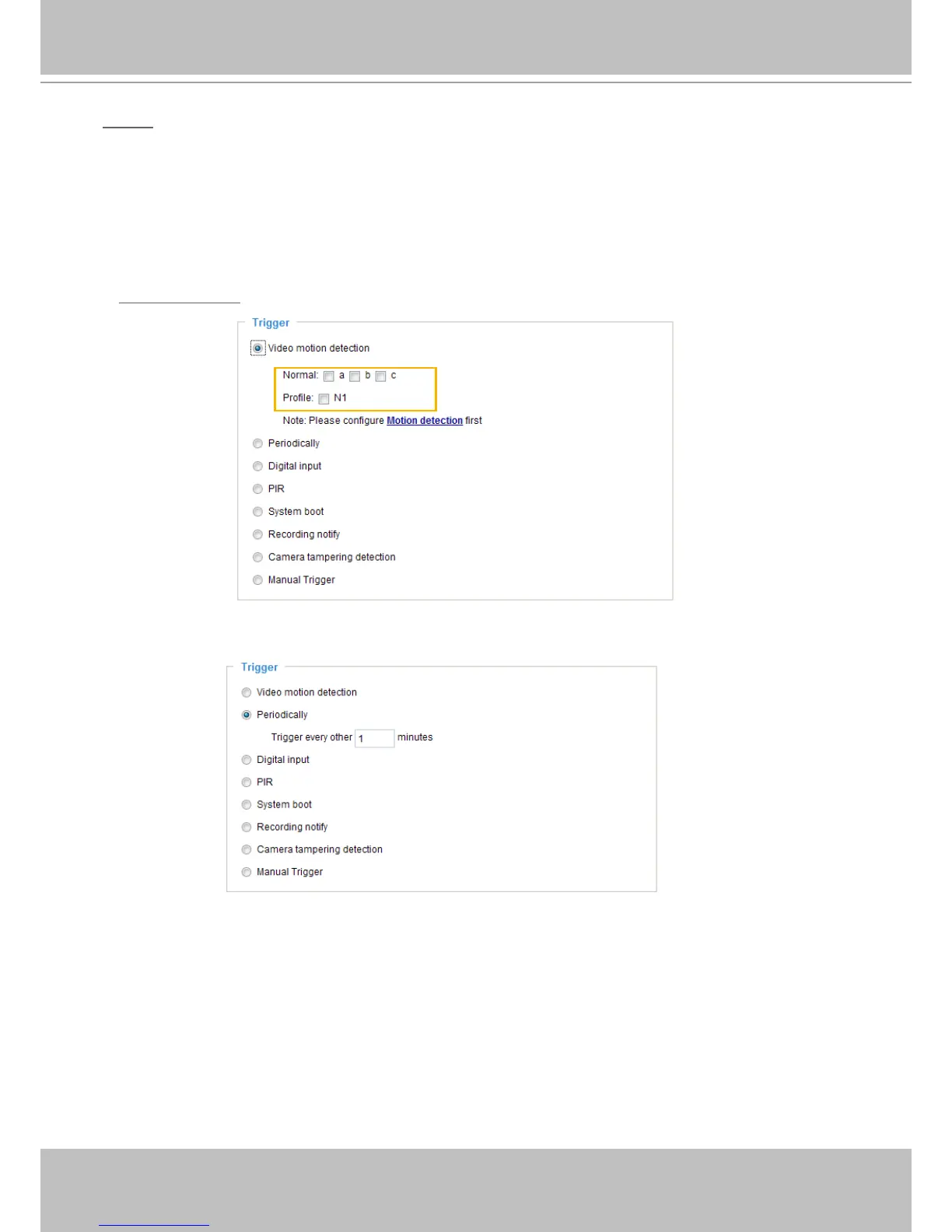
There are several choices of trigger sources as shown below�
Select the item to display the detailed
conguration options.
■ Video motion detection
This option makes use of the built-in motion detection mechanism as a trigger source� To enable this
function, you need to congure a Motion Detection Window rst. For more information, please refer to
Motion Detection on page 74 for details�
■ Periodically
This option allows the Network Camera to trigger periodically for every other dened minute. Up to 999
minutes are allowed�
■ Digital input
This option allows the Network Camera to use an external digital input device or sensor as a trigger
source� Depending on your application, there are many choices of digital input devices on the market
which helps to detect changes in temperature, vibration, sound, and light, etc�



 To Next Page