VIVOTEK
86 - User's Manual
to send the media files to) when a trigger is activated�
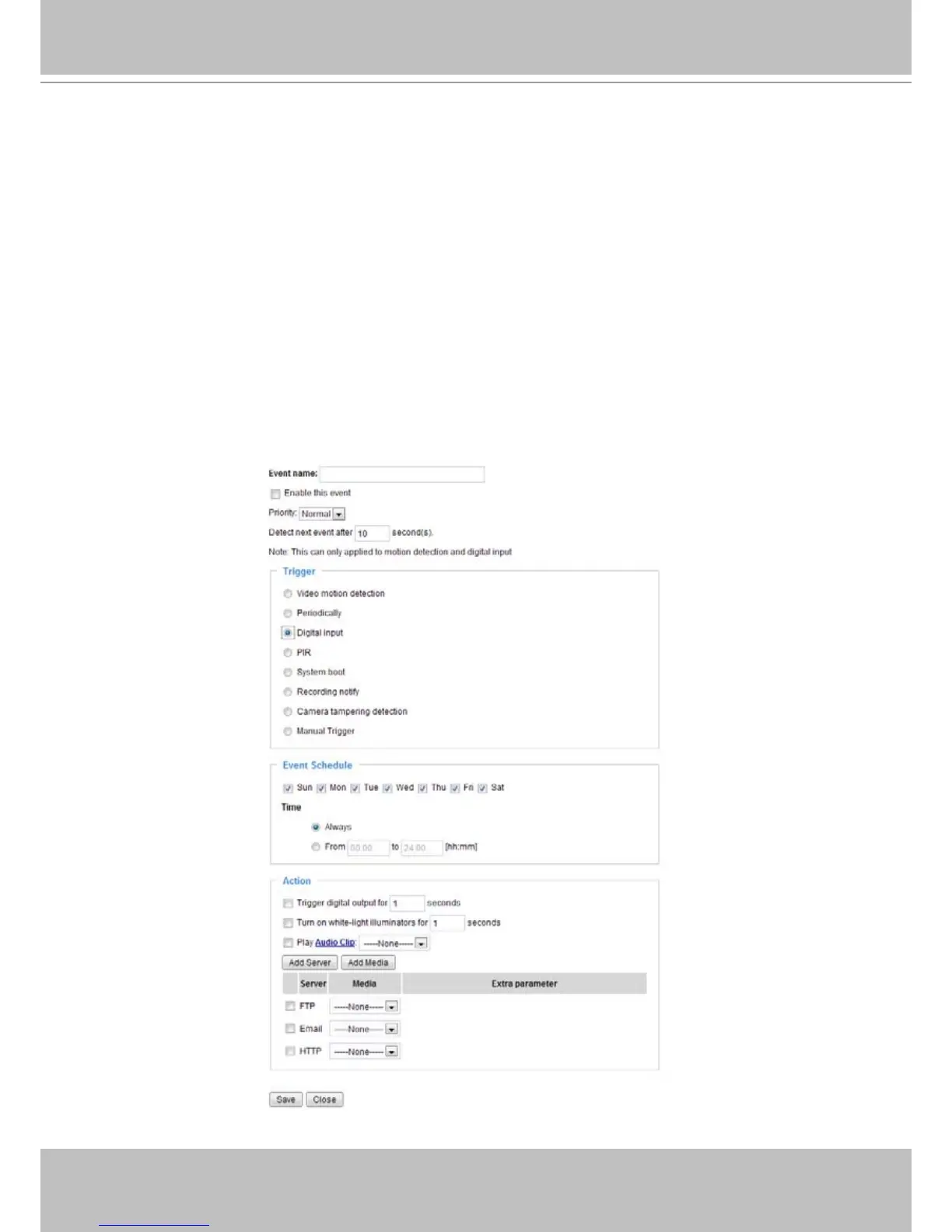
■ Trigger digital output for _ seconds
: You can enter a number here to turn on an external device for a
duration of several seconds via the digital output connection�
■ Turn on white-light illuminators for _ seconds: You may also turn on the white LED to light up
the scene during the occurence of a system event� Note that it is not recommended to turn on
the LED for an extended period of time�
■ Play Audio Clip: You use the onboard microphone to record a short vocal message or upload
audio files from your PC� See Add Media in the later discussions� The camera can then
playback a recorded vocal message when an event is triggered�
■ Add
Server / Add Media
Click Add Server to configure Server Settings� For more information, please refer to Server Settings
on page 88�
Click Add Media to configure Media Settings� For more information, please refer to Media Settings on
page 91�
Here is an example of the Event Settings page:



 To Next Page