VIVOTEK - A Leading Provider of Multimedia Communication Solutions
User's Manual - 21
Language
Click the drop-down list to choose a language for the user interface. Language options are
available in: English,
繁體中文,簡体中文,日本語,
Français, Español, Deutsch, Português,
Italiano.
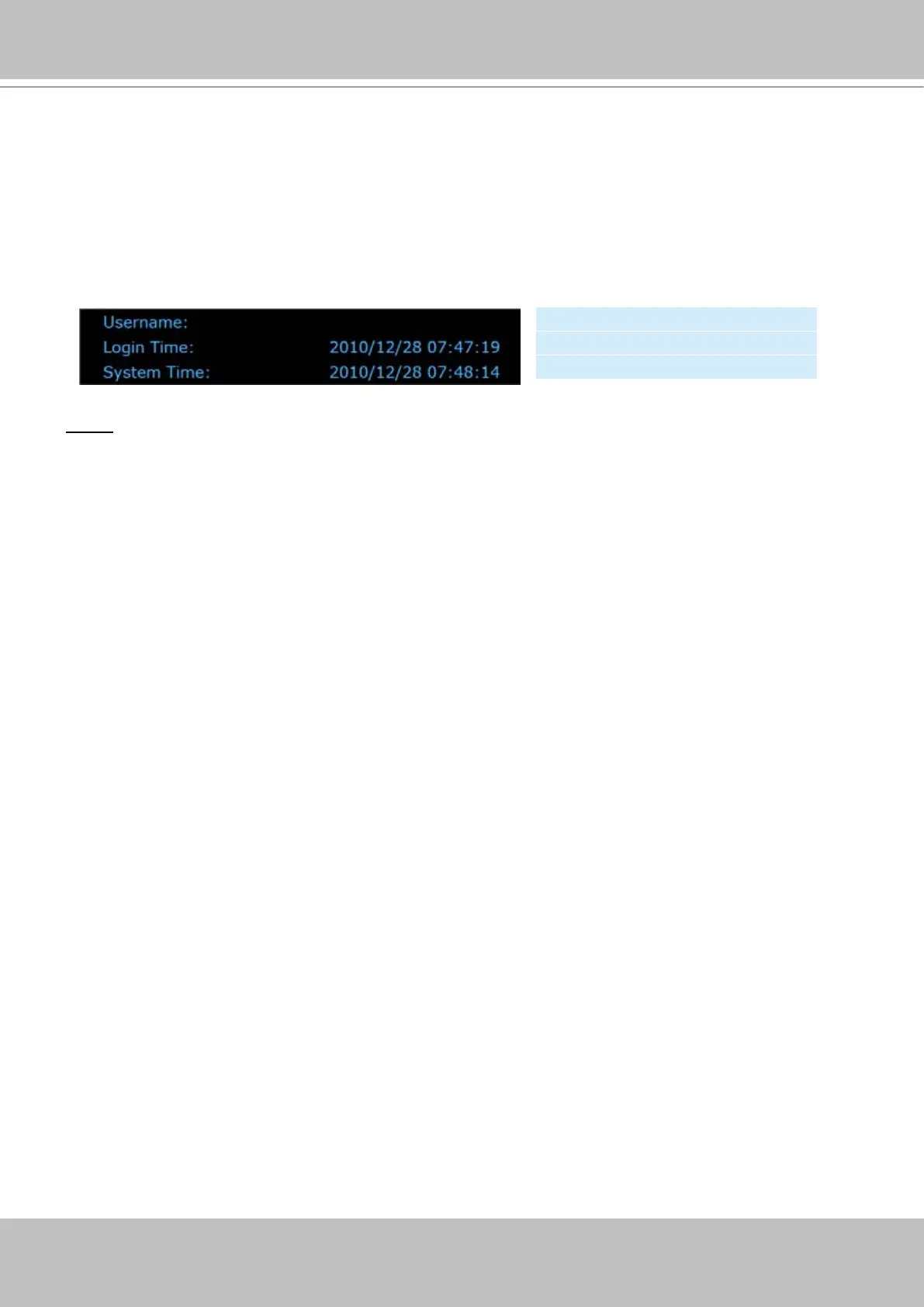
Status panel
NOTE
► The Userrname will be blank if you have not setup a password in the Security page. Please refer to
page 33 for detailed information.
► Depending on user’s privilege of the user account, the access to the conguration page may be
restricted. For more information about user’s privilege, please refer to Manage Privilege on page 34.
User Name (default: root)
Login Time (yyyy-mm-dd hh:mm:ss)
Current Time (yyyy-mm-dd hh:mm:ss)



 To Next Page