VIVOTEK - A Leading Provider of Multimedia Communication Solutions
20 - User's Manual
Home Page
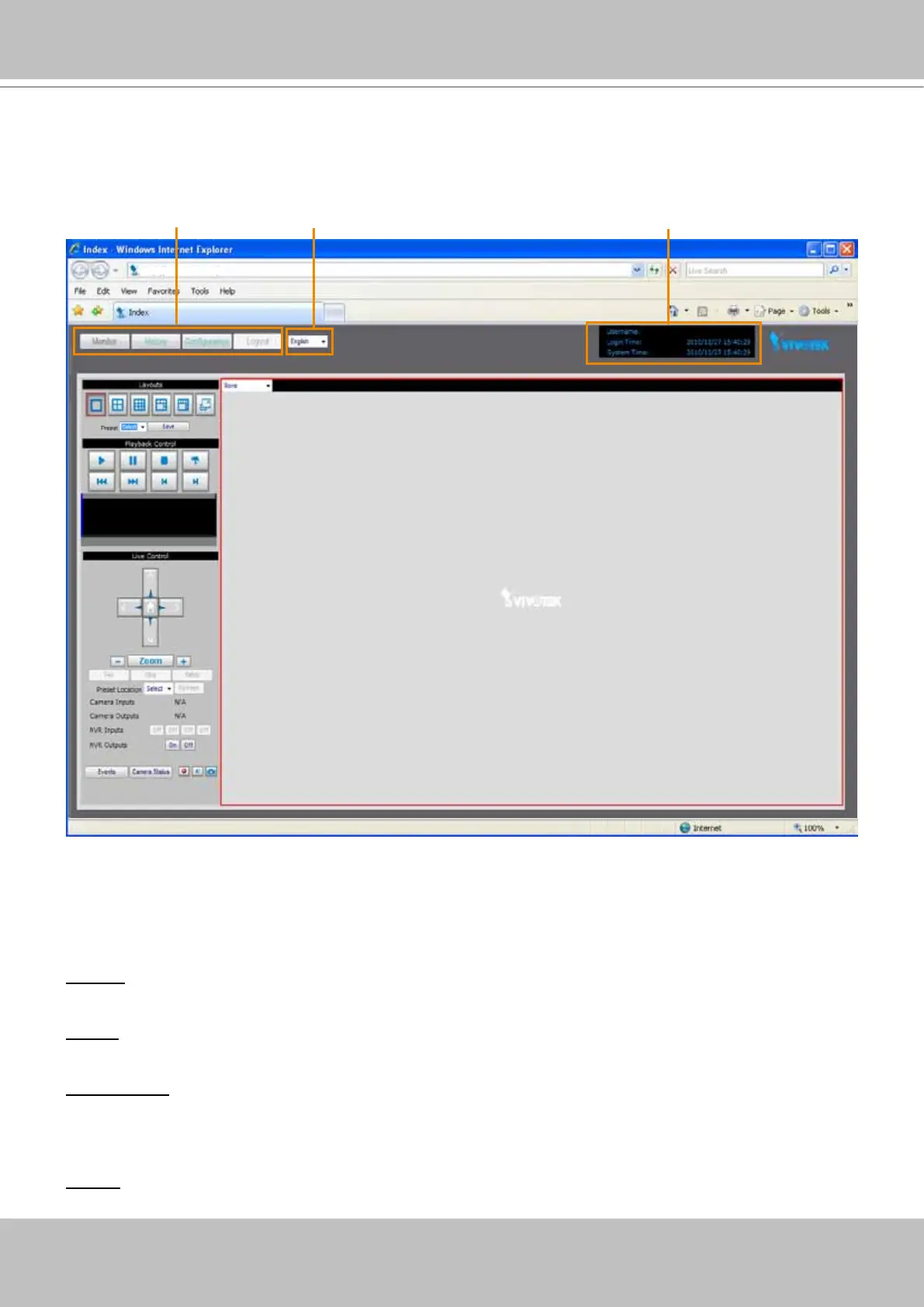
Following is the user interface of the home page. It is composed of the following sections.
Main menu
There are four buttons for you to click to open the page:
Monitor: Click this button to open the monitoring page. This page is for you to see the live video or
playback the recorded data.
History: Click this button to open the History page. This page is for you to search and playback recorded
data in a specic range of time.
Configuration: Click this button to open the Configuration page. This page is for you to configure the
settings of the network video recorder. It is suggesting to apply a password for the Network Video
Recorder, so that only the authorized user can congure the settings. Please refer to page 22 for detailed
information.
Logout: Click this button to logout the home page. This button will be enabled if you set up a root
password in the Security page. Please refer to page 33 for detailed information.
http://192.168.100.1/
Main menu Status panelLanguage



 To Next Page