VIVOTEK - A Leading Provider of Multimedia Communication Solutions
User's Manual - 51
Joystick
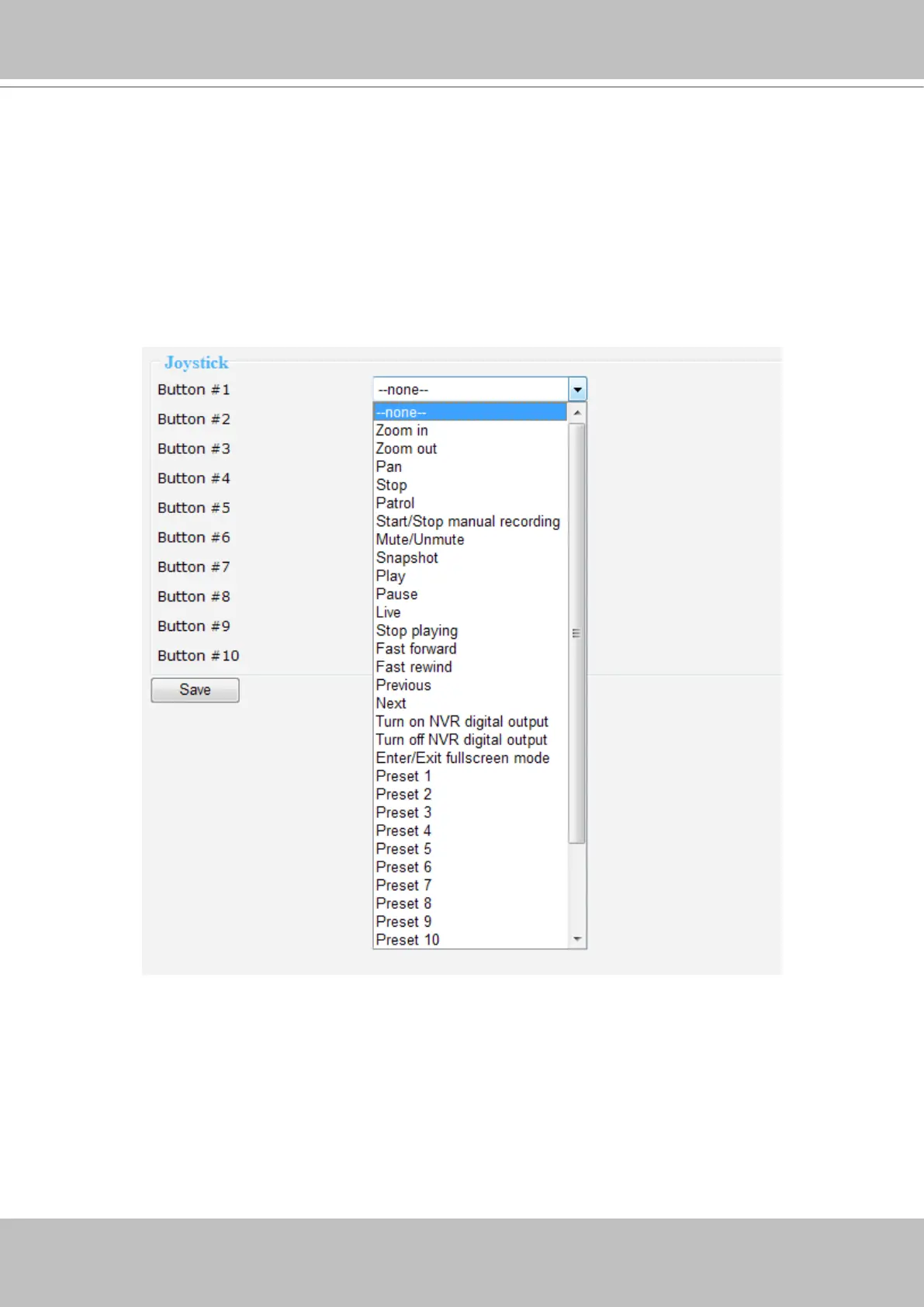
NR8201/8301 supports the use of VIVOTEK’s joystick. You can control your PTZ cameras
through it. It is simple as plugging it into the USB connector on the PC and refresh the NVR
Conguration page. The joystick functional buttons support to be assigned with commands as
zoom in/out, pan, stop, patrol, start/stop manual recording, mute/unmute, snapshot, play/pause,
live, stop playing, fast forward/fast rewind, previous/next, turn on/turn off NVR digital output,
enter/exit full screen mode, and preset 1 ~ 16. You can assign up to 10 commands to the 10
buttons of joystick for control. Click Save when the setup is complete.



 To Next Page