VIVOTEK - A Leading Provider of Multimedia Communication Solutions
User's Manual - 59
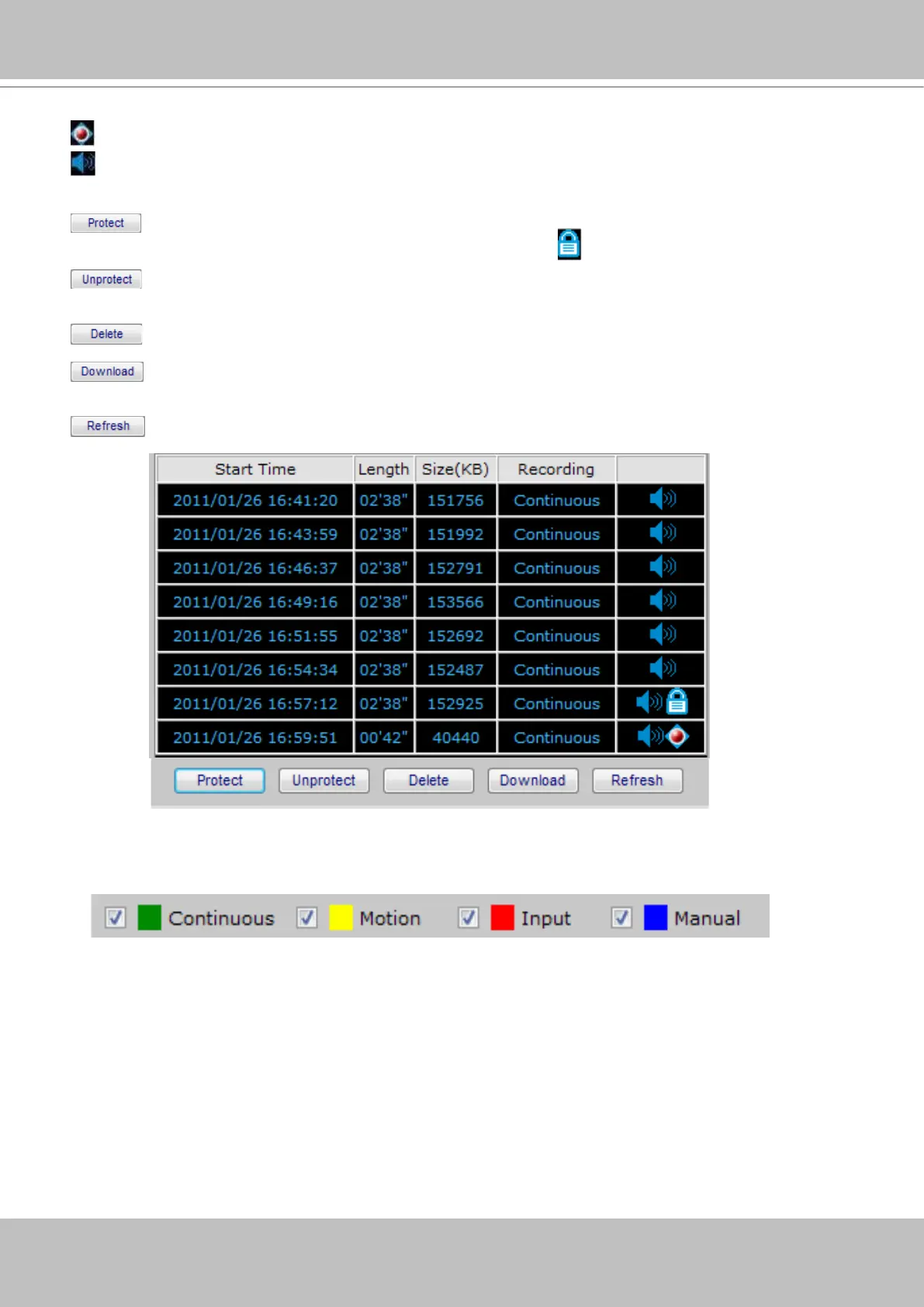
: The latest video clip, and still recording.
: The video with recorded audio. To enable the audio function, please go to Conguration > Device
to enable the Audio Compression setting of the Device.
: If you want to prevent a video clip from being erased by the latest video clip, select the
video clip and then click this button. A Protect Icon
will show up.
: Select a video clip with Protect Icon and then click this button. Then the video clip becomes
unprotected.
: If you want to delete a video clip, select it and then click this button.
: If you want to export an AVI le of a video clip to your local computer, select it and then
click this button.
: Click this button to refresh the latest video clip.
Recording Type
The following color bar will show up on the histogram according to the recording type.
■
Green bar (Continuous):
Record video according to continuous mode. For detailed conguration,
refer to Recording Policy on page 37.
■ Yellow bar (Motion): Record video when motion triggers on linked device. For detailed conguration,
please refer to Recording Policy on page 37.
■ Red bar (Input): Record video when an external digital input triggers on linked cameras or on the
Network Video Recorder. For detailed conguration, please refer to Recording Policy on page 37.
■ Blue bar (Manual): Record video when the user starts manual recording. Please refer to Manual
Recording on page 55 for detailed information.



 To Next Page