VIVOTEK - A Leading Provider of Multimedia Communication Solutions
User's Manual - 23
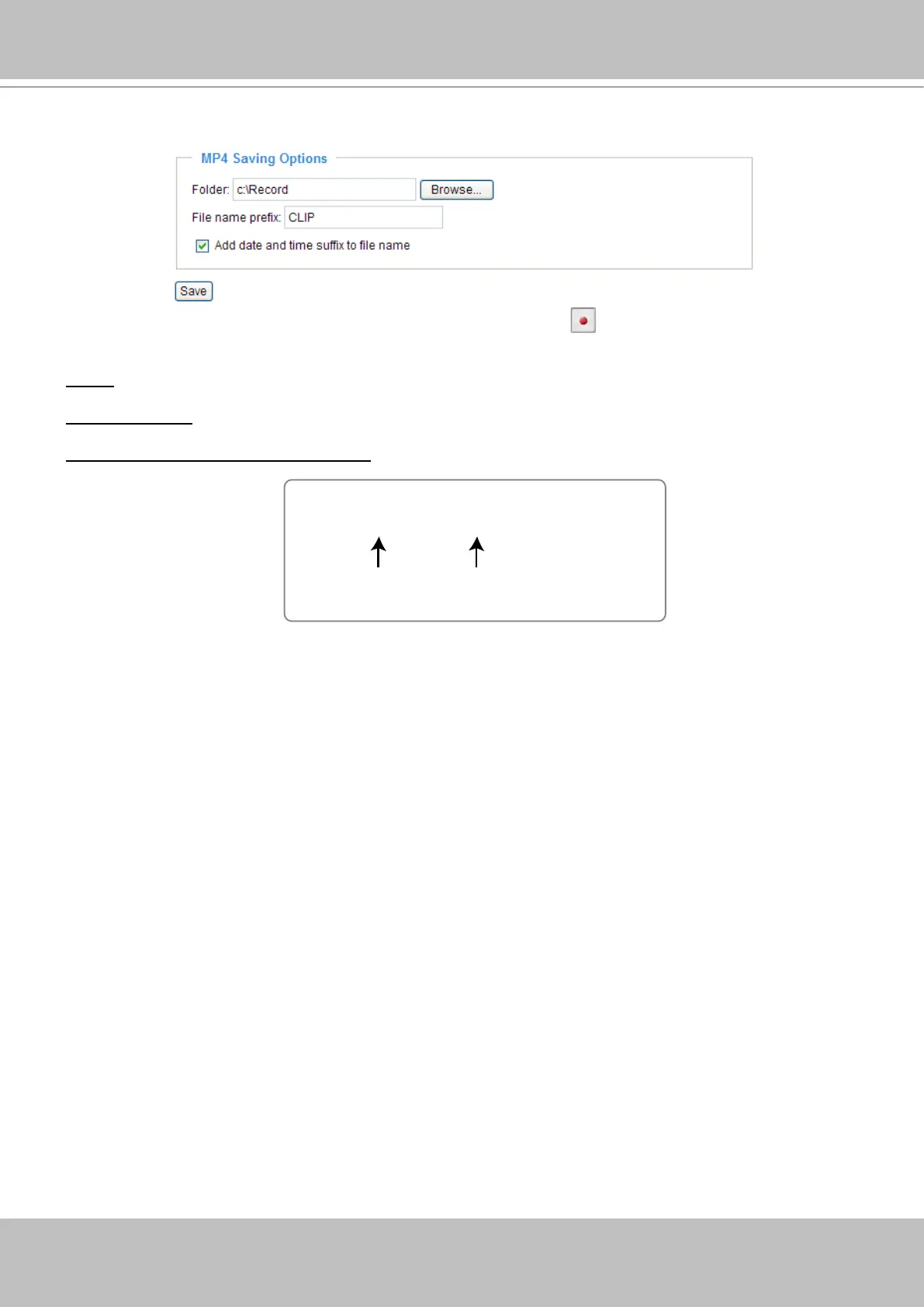
MP4 Saving Options
Users can record the live video as they are watching it by clicking Start MP4 Recording on the main
page. Here, you can specify the storage destination and le name.
Folder: Specify a storage destination for the recorded video les.
File Name Prex: Enter the text that will be put in front of the video le name.
Add date and time sufx to the le name: Select this option to add date and time to the le name sufx.
CLIP_20080108-180853
Date and time suffix
The format is: YYYYMMDD_HHMMSS
File name prefix



 To Next Page