VIVOTEK - A Leading Provider of Multimedia Communication Solutions
6 - User's Manual
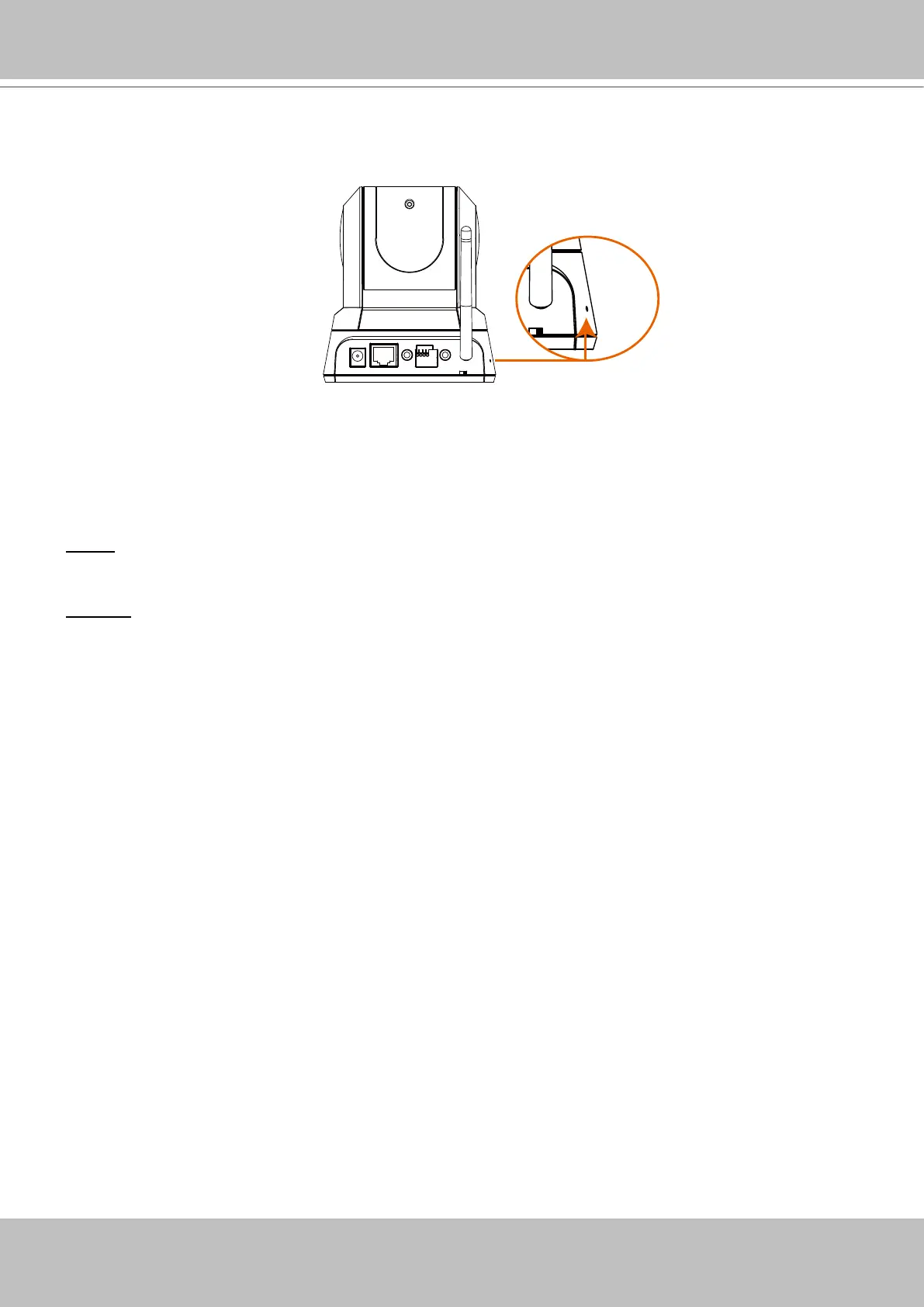
Hardware Reset
There is an indented reset button on the side panel of the Network Camera� It is used to reboot
the Network Camera or restore the Network Camera to factory default� Sometimes rebooting the
Network Camera could set the Network Camera back to normal state� If the problems remain
after rebooted, restore the Network Camera to factory default and install again�
Reset: Press and release the indented reset button with a needle� Wait for the Network Camera
to reboot�
Restore: Press the indented reset button continuously for over 5 seconds until the status LED
rapidly blinks red and green simultaneously� Note that all settings will be restored to factory
default�
Mic. In
12VDC
Ethernet Ext. I/O
Ext. Int.
Audio
Out
Mic. In
12VDC
Ethernet Ext. I/O
Ext. Int.
Audio
Out



 To Next Page