VIVOTEK - A Leading Provider of Multimedia Communication Solutions
70 - User's Manual
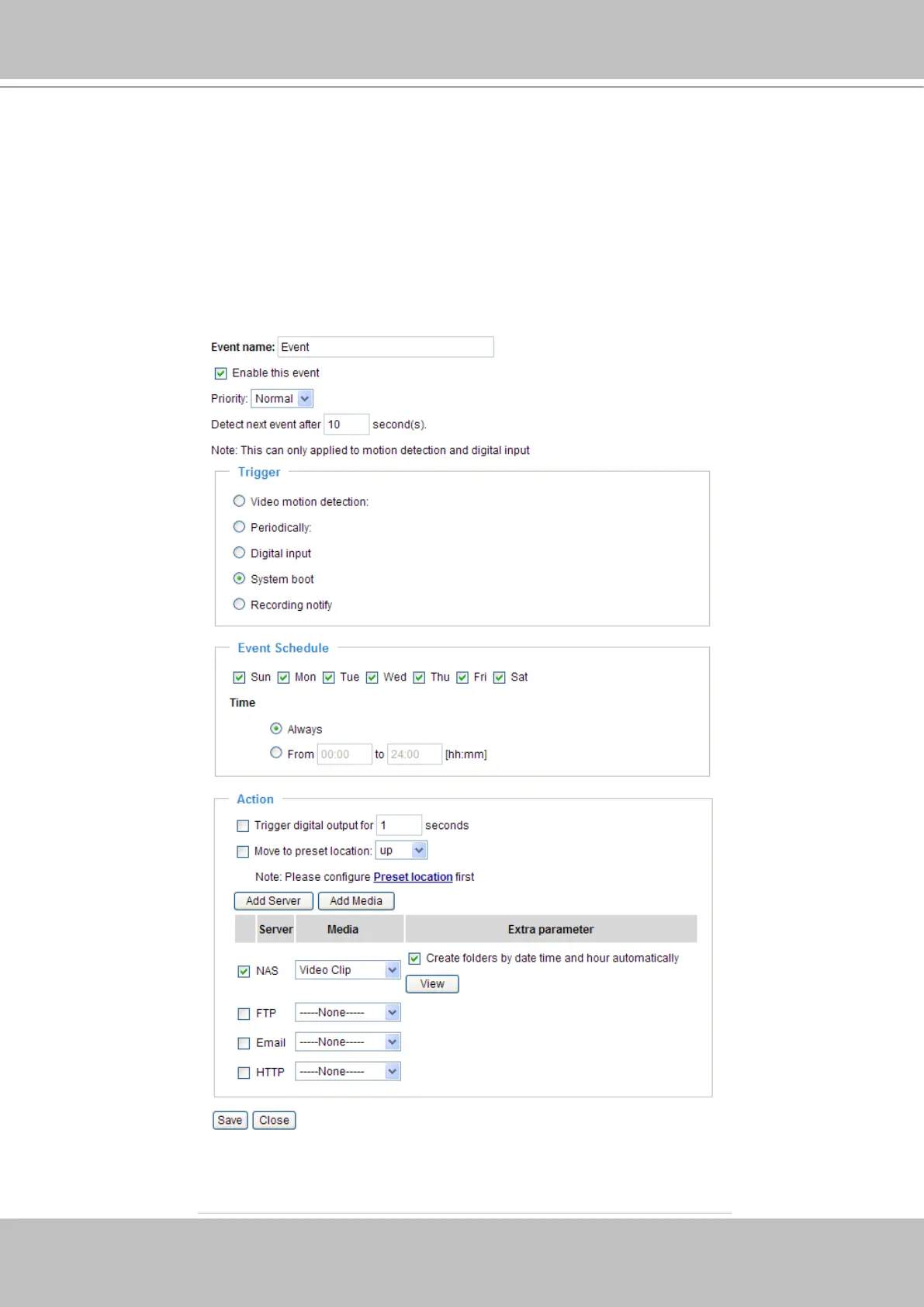
To plot an event with recorded video or snapshots, it is necessary to congure the server and
media settings, so that the Network Camera will know what action shall be performed (send
media files to which server) when a trigger is activated�
■ Add
Server / Add Media
Click Add Server to configure Server Settings� For more information, please refer to Server Settings
on page 72�
Click Add Media to configure Media Settings� For more information, please refer to Media Settings on
page 75�
Here is an example of Event Settings page:


 To Next Page
 Loading...









