VIVOTEK - A Leading Provider of Multimedia Communication Solutions
80 - User's Manual
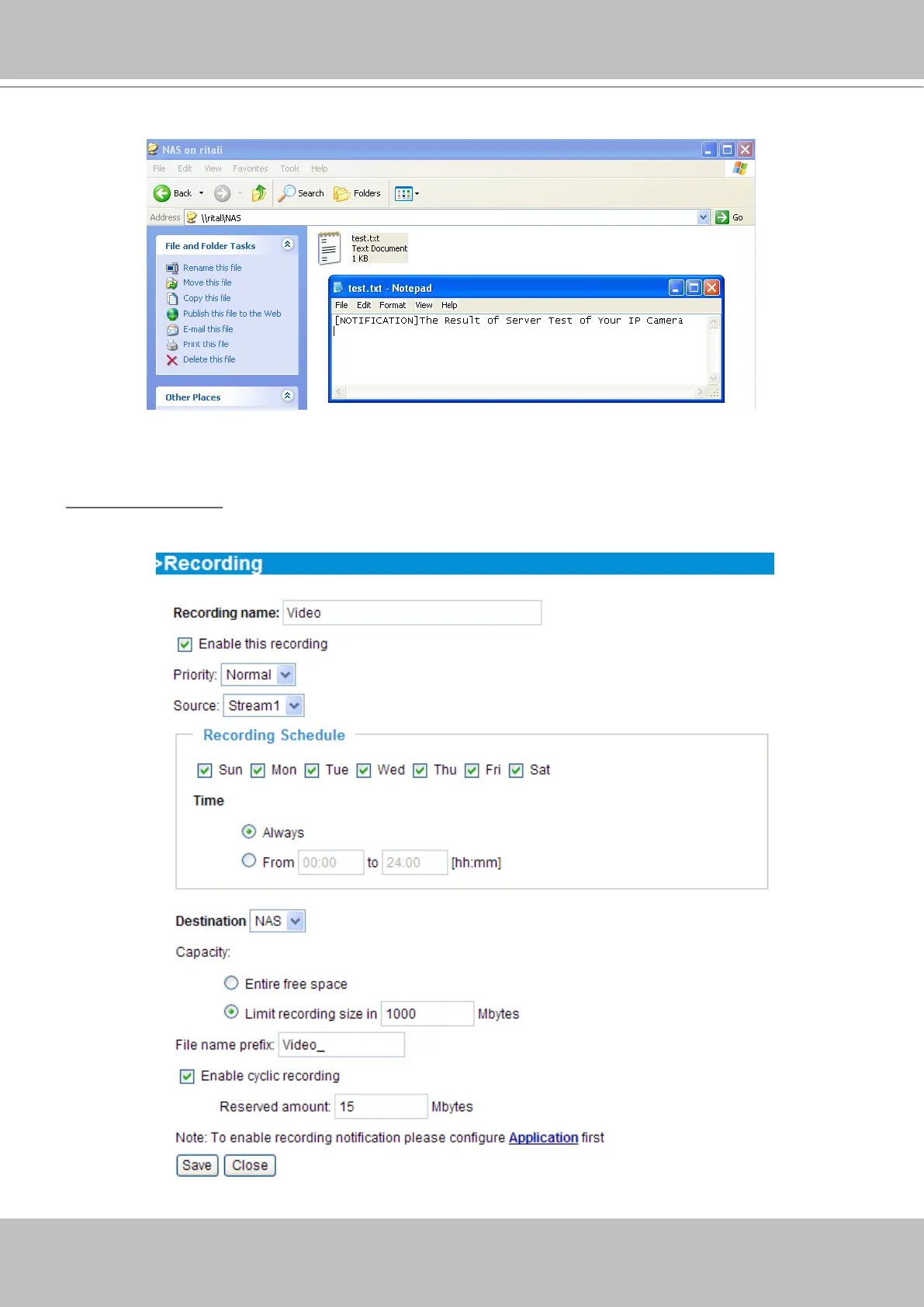
If it works, you will also receive a test.txt le on the network storage server.
3� Enter a descriptive server name�
4� Click Save to nish the setting and click Close to quit the page�
Recording Settings
Click Add to open the recording setting page� In this page, you can define the recording source,
recording schedule and recording capacity. A total of 2 recording settings can be congured.



 To Next Page