64
c) Data log
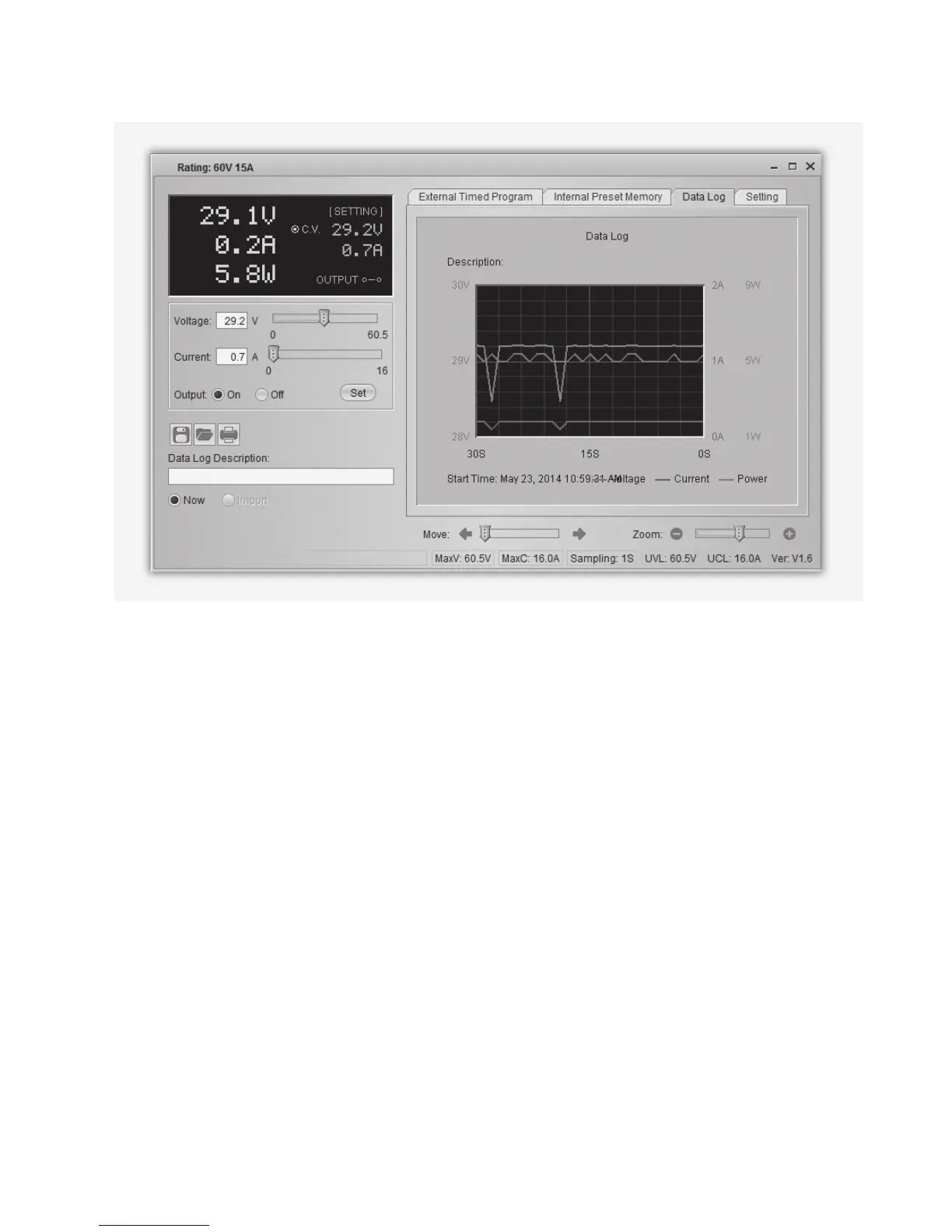
You can see the real-time/recorded voltage-current-power chart in this function.
With the buttons for le management (G) you can import, export or print the settings.
• Switch between recorded diagram (Import) and the real-time diagram (Now) by selecting the
corresponding option in the left bottom corner.
• Shift the diagram by time with the slider Move.
• Proportionally resize the diagram with the slider Zoom.
• Read voltage, current und power consumption from the diagram. These three units are colour-
coded and can easily be distinguished by the legend.


 To Next Page