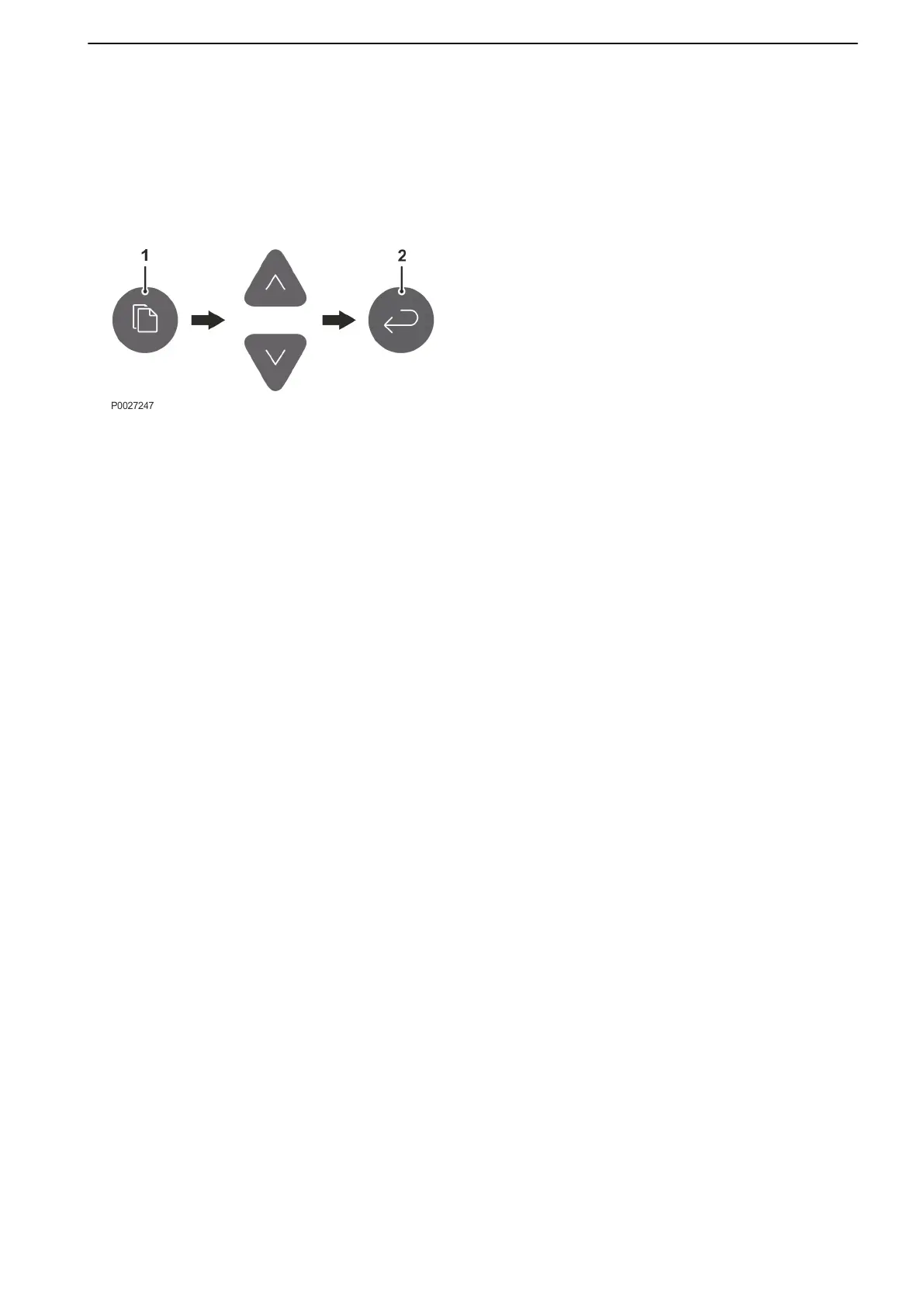
5 Use the up/down buttons to adjust the setpoint.
Depress the up/down buttons for 2 seconds to
activate automatic repetition.
6 Press Enter (2) to confirm the selection. To finish
without any change press the Page button (1).
Press the Page button (1) to select setpoint group.
History Page
1 Browse to the History page using the Page button
(1).
2 Browse with the up/down buttons to the desired
event.
3 Press Enter (2) to see more detailed information
about the event. Continue to press Enter to see all
information about the event.
When all information is shown the first image is
visible again. Browse in the window using the up/
down buttons.
4 Exit the menu with the Page button (1) .
Instruments and Controls
47710406 10-2018 © AB VOLVO PENTA 33











 To Next Page