Inlet and Exhaust System
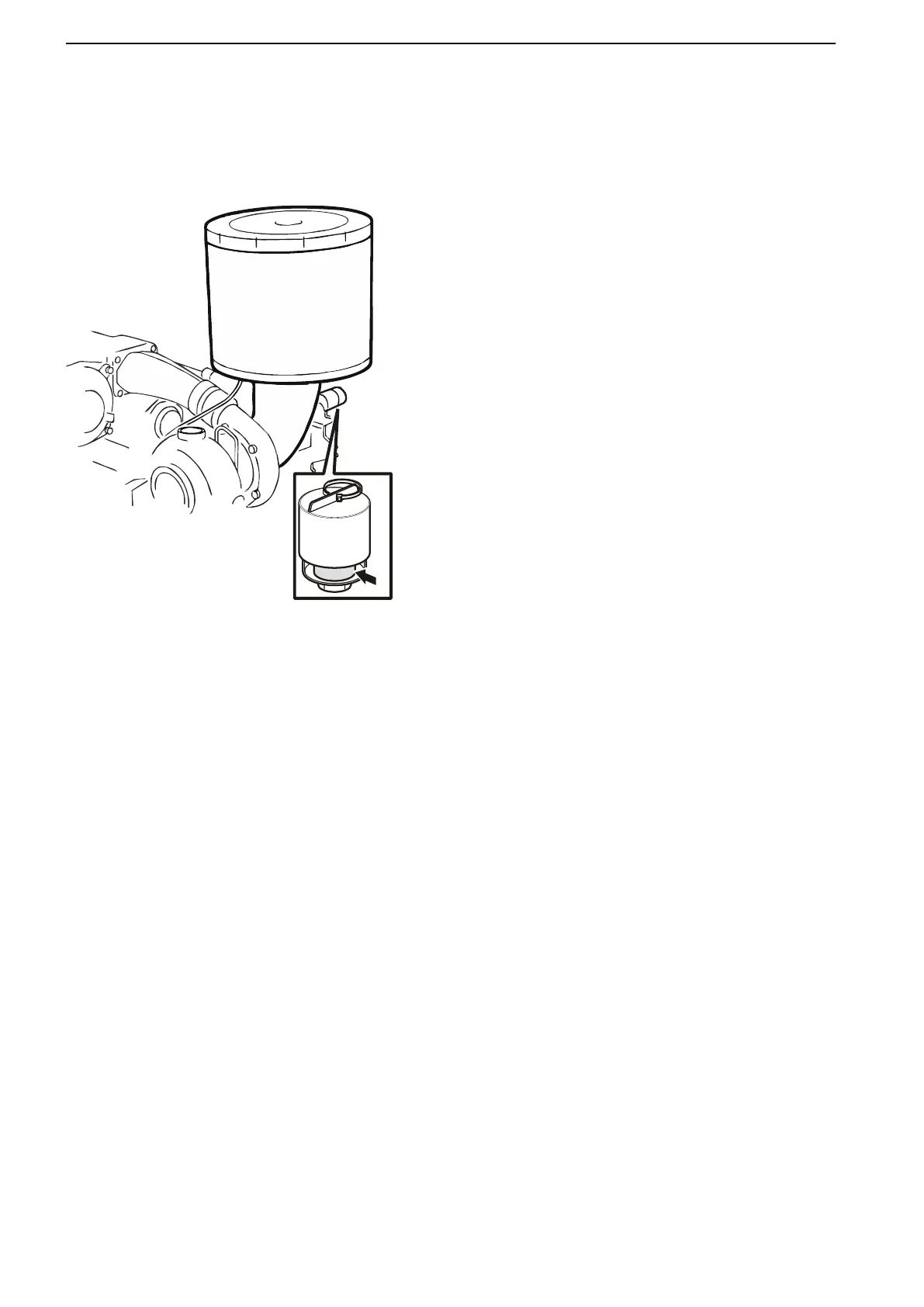
Air Filter, Change
Replace the air filter when the red field in the service
indicator is fully visible when the engine is stopped.
1 Undo the hose clamp below the air filter cartridge
and pull off the cartridge.
2 Replace the air filter cartridge and tighten the hose
clamp.
3 Press the button on the service indicator to reset
the signal after service. The indicator is now ready
to operate again.
Maintenance
86 47713337 03-2021 © AB VOLVO PENTA






 To Next Page