15
DIGITAL MUSIC CORPORATION
Press [+/YES] until the display shows:
3. SEQ S/S
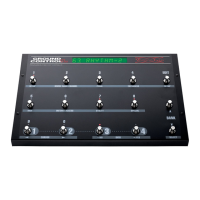
Now Ground Link button #3 will start and stop your sequencer.
MIDI Continuous Controller On/Off:
With the cursor on the GCX #, press [+/YES] until the display
shows:
1.CH01 CTL004
This indicates that Ground Link button #1 will control MIDI
continuous controller #004 on channel 1. You can use
[CURSOR < or >] to move the cursor and select each
parameter. Then use [-/NO] and [+/YES] to select MIDI
channels 1-16 and continuous controllers 0-120.
Invert Controllers:
Controllers are turned on and off by sending a value of 0 or
127. Normally the Ground Link LED is off with a value of 0
and on with 127. If this is backwards for your processor, then
you can invert the polarity by pressing [CURSOR >] until you
see:
CTL NORMAL
Then press [+/YES] to change it from "normal to "invert".



 To Next Page