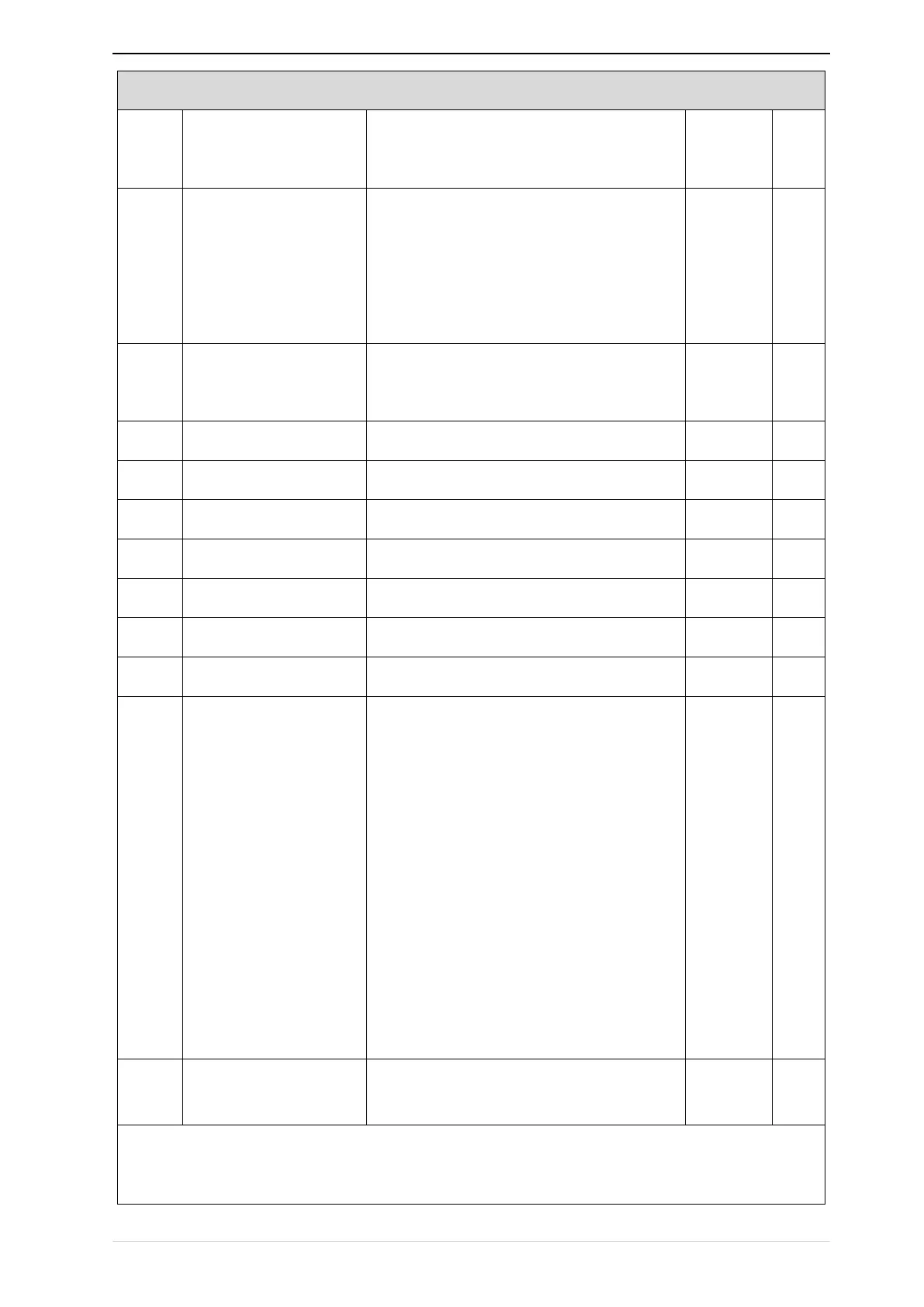
21 Group Keypad and Display Group
Keyboard
UP/DOWN function
0:no function; 1:Forward Jog
2:Reverse Jog; 3:Forward/reverse Switch
4:Quick stop; 5:coast to stop
6:Curse left shift(LCD keypad )
0:Valid only at Keypad Control
1:valid at all command Channels
Running status Monitoring
display parameter option
Unit’digit to Thousand’digit set 1-4 monitor
parameter
0 means no display,1~7 corresponds to monitor
parameter 1~7
Unit’digit:choose first monitoring data,0~7
Ten’s digit:choose second monitoring data,0~
7
Hundred’s digit:choose third monitoring data,
0~7
Thousand’s digit:choose fourth monitoring
display,0~7
Stop status Monitoring
display parameter option
IR610 digital keyboard monitoring interface supports up to 4 monitoring volume. Monitoring variables in
running status and monitoring variables in stop status are set by P21.11 and P21.12, respectively. Press
【SHIFT】 key on the keyboard to switch the monitoring volume from low to high of P21.11 or P21.12,


 To Next Page