EasyManua.ls Logo

Vortex IR610 Series - Page 149

Vortex IR610 Series
179 pages
Print Icon
To Next Page IconTo Next Page
To Previous Page IconTo Previous Page
Loading...
- 145-
P45.14
Counter 2
control
Unit’digit: counting method
0: Stop counting after counting the maximum
value
1: Reset after counting the maximum value,
recount from 0
Ten’sdigit: the action after the counter
reaches the set value
0: continue to run
1: Free stop
2: Ramp to stop
3: Emergency stop
Hundred’s digit : Power-down save option
0: Do not save the count value when power is
off
1: save the count value when power is off
100
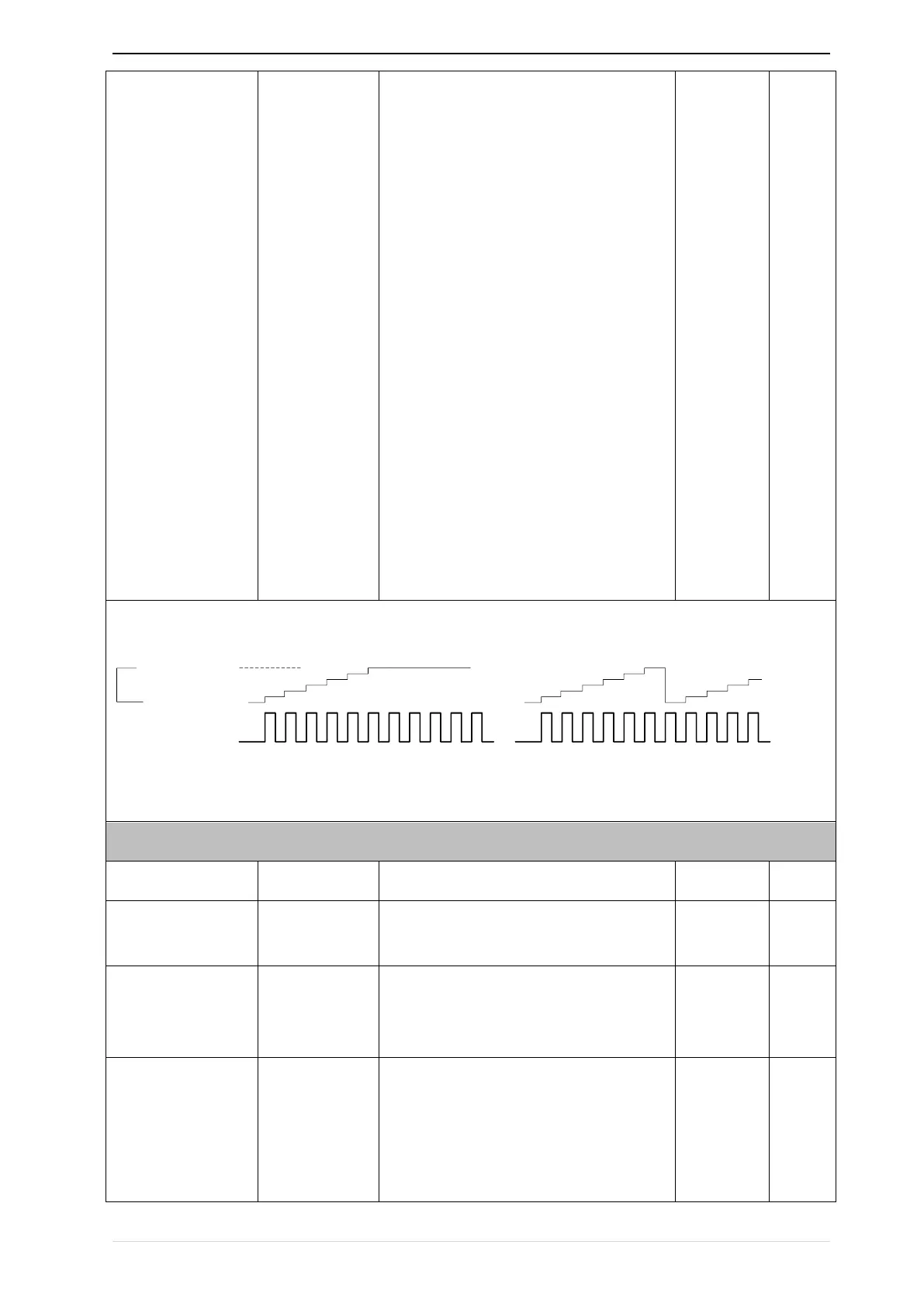
Count 1/2 overflow action:when counter higher than maximum value as following chart
0
1
2
3
4
5
6
0
1
2
3
4
5
6
0
1
2
3
4
Pulse input
Counter
value
Maximum
setting
Stop counting
Continue counting
after overflowing
60 Group Motor 2 basic parameter
P60.00
Control mode
Same as P00.04
0
P60.01
Upper limit
frequency
Same as P01.07
0
P60.02
Upper limit
frequency digital
setting
Lower limit (P01.09) maximum
frequency(P01.06)
50.00Hz
P60.04
Accel and Decel
time option
0same as motor 1
1Accel and Decel time 3
When choose 1,Motor 2 can convert
betweens accel and decal time 3 and 4 by DI
terminal function code 55 or switch by output

0