DE
EN
FR
IT
NL
SV
27561810 - 04.2021 - V1
INSTRUCTION MANUAL VOSS.FARMING POULTRY KIT
EN
8 SETTING MODES
NOTICE
Make sure you have made the start-up settings (see section 7.3) before making
any other settings. Otherwise, the previous settings are applied again.
The VOSS.farming Poultry Kit has three modes for opening and four modes for closing
the door:
Manual mode: Manual opening/closing of the door by using the setting buttons
Time mode: Automatic opening/closing of the door at the specied times
Light mode: Automatic opening/closing of the door depending on brightness
Mixed mode: Automatic closing of the door depending on the brightness and the
specied times
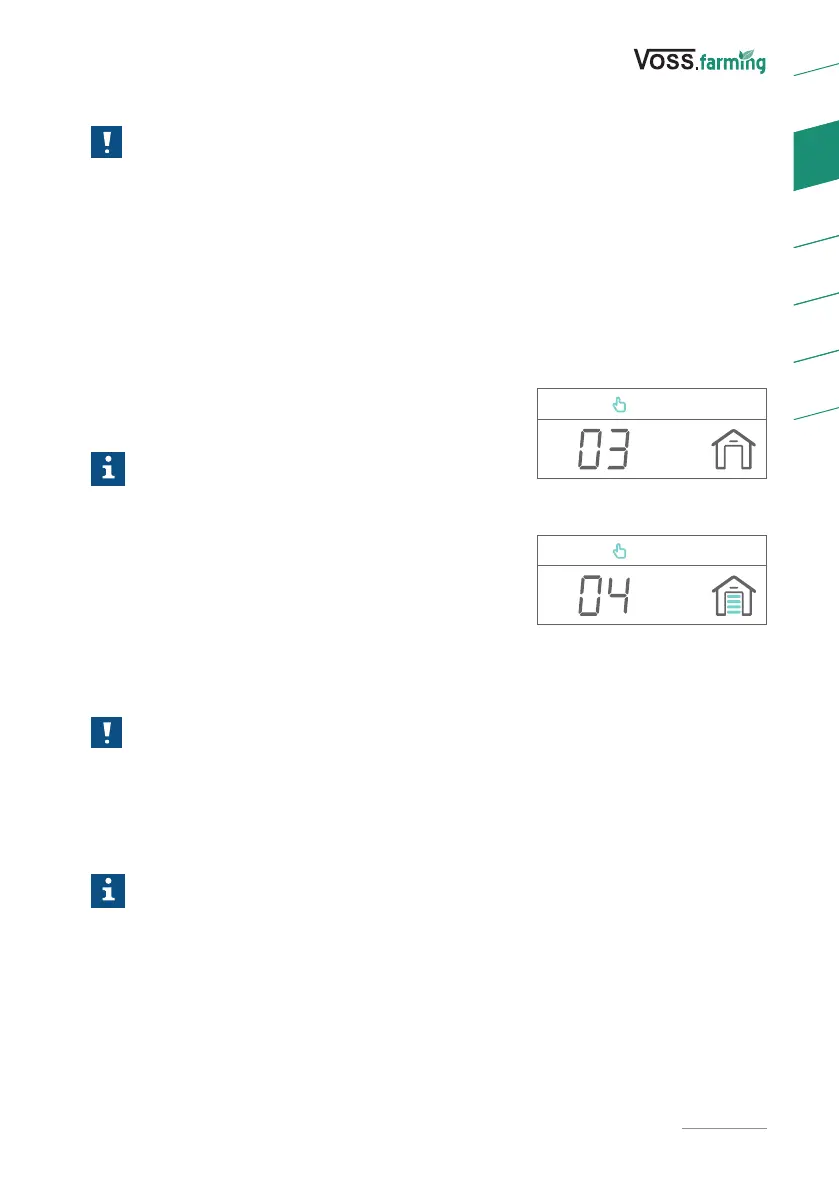
After the time and door height settings are completed,
the door opening (03) and closing (04) modes can be
set (Fig. 7 & 8).
Info
► After the open mode has been set, the display
automatically switches to the close mode
setting.
► You can select dierent modes for opening
and closing.
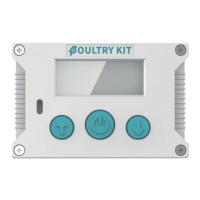
To switch between the available modes, use the setting
buttons (3). The selected mode is shown in the top line
of the display.
8.1 MANUAL MODE
NOTICE
In manual mode, the automatic opening/closing is no longer performed. To
use the automatic time or light sensor modes, you must select them again and
conrm the settings.
Select the manual mode and conrm the selection with the conrmation button (4).
Manual mode is activated and the door can be opened or closed manually.
Info
Manual opening/closing via the setting buttons (3) is also available when using
other modes.
Fig. 7
Fig. 8


 To Next Page