30 561810 - 04.2021 - V1
INSTRUCTION MANUAL VOSS.FARMING POULTRY KIT
9.3 ENERGY-SAVING MODE AND SWITCHING THE DEVICE OFF
The VOSS.farming Poultry Kit switches o the display after approx. 60 seconds and
goes into energy-saving mode. To bring the device back from energy-saving mode,
press any button.
To switch o the device completely, remove the batteries from the unit.
10 CLEANING AND MAINTENANCE
NOTICE
► Do not use aggressive solvents/cleaning agents, brushes, sharp objects or
similar for cleaning. These can damage the surface.
► Do not immerse the device in water or other liquids. There is a risk of a short
circuit.
► Do not use the device if there is any visible damage.
Clean the device and the light sensor with a damp cloth if it is dirty.
The device requires little maintenance. However, you should carry out regular visual
inspections. Check the unit for damage before each use. There are no serviceable parts
inside the unit.
11 TRANSPORT AND STORAGE
NOTICE
► For storage and long distance transport, remove the batteries from the unit.
► Do not store the device in direct sunlight.
► Only store the device at an ambient temperature between -10°C and +40°C
and make sure that the environment is free of moisture.
► To transport the unit, pack the unit so that it is protected from impact. Ideally,
use the original packaging.
The height setting for opening the door is saved.
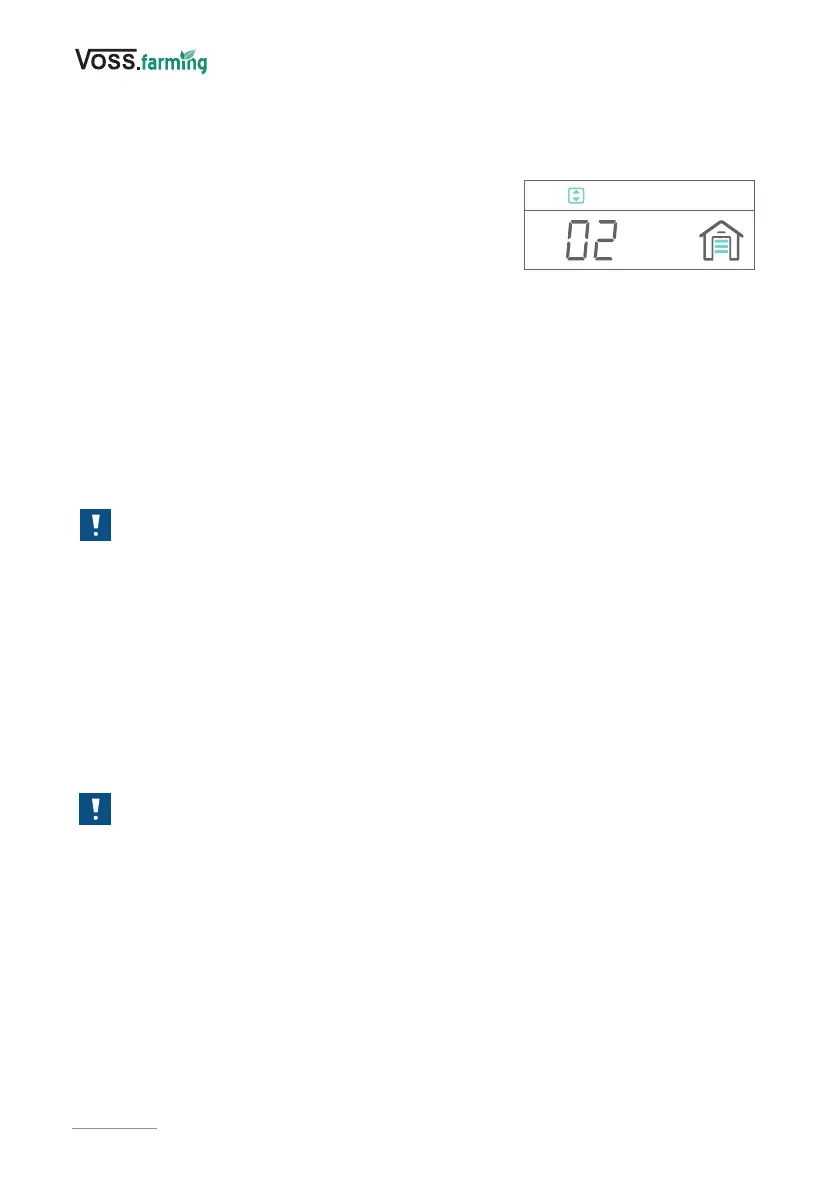
A door closing animation is shown and the display changes to the height setting for closing
the door (Fig. 13).
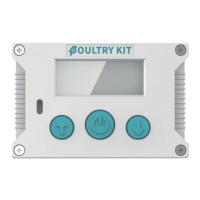
3. To move the door to the lowest position, use the
adjustment buttons (3) and conrm the setting by
pressing the conrmation button (4).
The height setting for closing the door is saved.
You can now set the desired mode for opening/closing
the door.
Fig. 13


 To Next Page