EasyManua.ls Logo

Voxx Electronics SB10MD1 - User Manual

Voxx Electronics SB10MD1
44 pages
Print Icon
To Next Page IconTo Next Page
Loading...
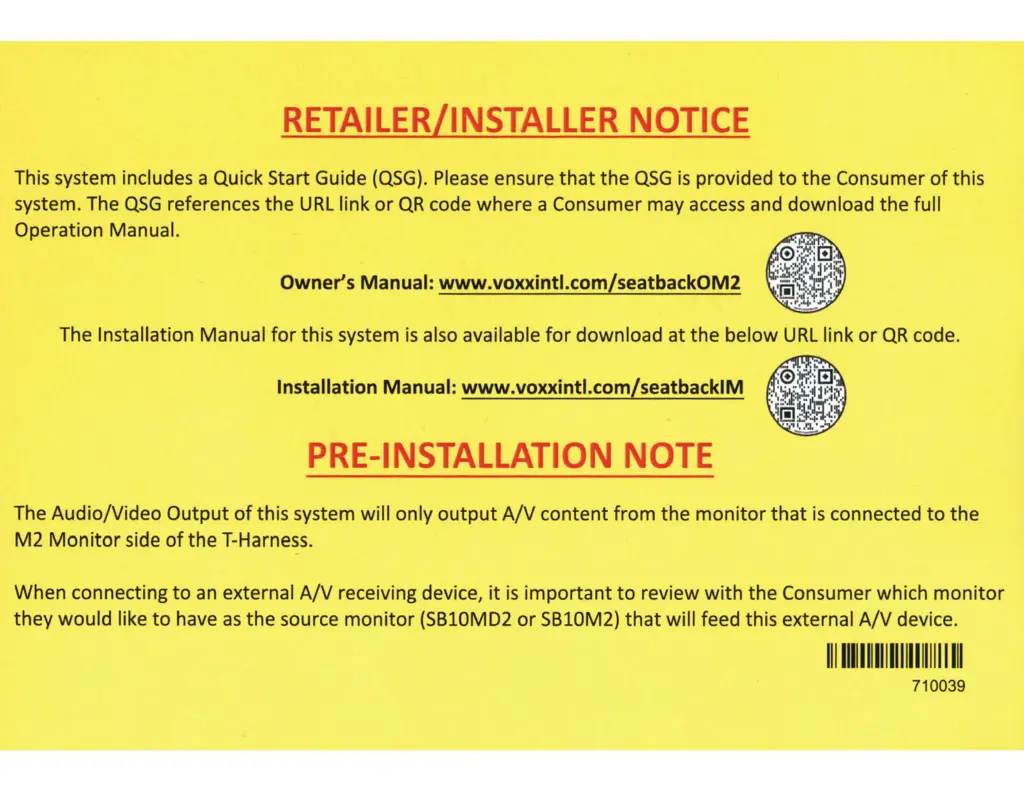
RETAILER/INSTALLER
NOTICE
This system includes a Quick Start Guide
(QSG).
Please
ensure
that
the
QSG
is
provided
to
the Consumer
of
this
system. The
QSG
references
the
URL
link
or
QR
code where a Consumer may
access
and download
the
full
Operation Manual.
Owner's Manual: www.voxxintl.com/seatback0M2
The Installation Manual
for
this system
is
also available
for
download at
the
below
URL
link
or
QR
code.
Installation Manual: www.voxxintl.com/seatbacklM
PRE-INSTALLATION
NOTE
The Audio/Video
Output
of
this system will only
output
A/V
content
from
the
monitor
that
is
connected
to
the
M2
Monitor
side
of
the T-Harness.
When connecting
to
an
external
A/V
receiving device,
it
is
important
to
review
with
the Consumer which
monitor
they would like
to
have
as
the
source
monitor
(SB10MD2
or
SB10M2)
that
will feed this external
A/V
device.
111111111111111111111111
I
Ill
710039

Questions and Answers

  • M
    michael59Aug 27, 2025
    What to do if Voxx Electronics Home Theater System monitor is frozen?
    • A
      Ashley GilbertAug 27, 2025
      If your Voxx Electronics Home Theater System monitor is frozen and unresponsive, try a soft reset by turning the monitor off and then back on. If that doesn't work, perform a hard reset by turning the ignition off and then back on, or by pressing the reset button on the side of the monitor.
  • S
    Steven ClarkAug 25, 2025
    How to fix Voxx Electronics Home Theater System monitor that does not power on?
    • B
      briana50Aug 26, 2025
      If your Voxx Electronics Home Theater System monitor doesn't power on, first check that your vehicle is in the ON/RUN or ACC position. If the Power and Home buttons on the monitor are not lit, check the cable connection to the monitor and the power/ground connections to the vehicle.
  • A
    Anthony VelasquezAug 23, 2025
    What to do if HDMI input not working on Voxx Electronics Home Theater System?
    • K
      katherine94Aug 25, 2025
      If the HDMI input is not working on your Voxx Electronics Home Theater System, some mobile devices might need a specific HDMI cable or adapter. Contact your HDMI device supplier for the correct cable or adapter. Also, some devices might need to boot up fully before displaying a picture. Use an OEM branded (Apple, Samsung, etc.) HDMI cable and/or adapter, as generic ones may not function correctly.

Summary

Important Notices and Setup

Retailer;Installer Notice

Information for retailers and installers regarding QSG and manuals.

Pre-Installation Notes

Important notes before installing the system, regarding A/V output.

Safety and Warnings

Safety precautions and general warnings for system use.

Getting Started

Initial steps for powering up and booting the system.

First Time System Setup

Guides for Wi-Fi, headphones, and app setup.

System Features and Capabilities

USB & SD Card Playback

Playing media from USB drives and SD cards.

Wi-Fi Network Setup

Steps for connecting the system to a Wi-Fi network.

System Management and Troubleshooting

Device Software Updates

Procedures for checking and installing system software updates.

Troubleshooting

Solutions for common operational problems and errors.

Voxx Electronics SB10MD1 Specifications

General IconGeneral
BrandVoxx Electronics
ModelSB10MD1
CategoryCar Receiver
TypeSingle DIN
BluetoothYes
USB PortYes
Aux InputYes
AM/FM RadioYes
SD Card SlotYes
Steering Wheel Control CompatibleYes
Remote ControlYes
AM/FM TunerYes