EasyManua.ls Logo

VTech T1100 - Page 16

VTech T1100
50 pages
Print Icon
To Next Page IconTo Next Page
To Previous Page IconTo Previous Page
Loading...
16
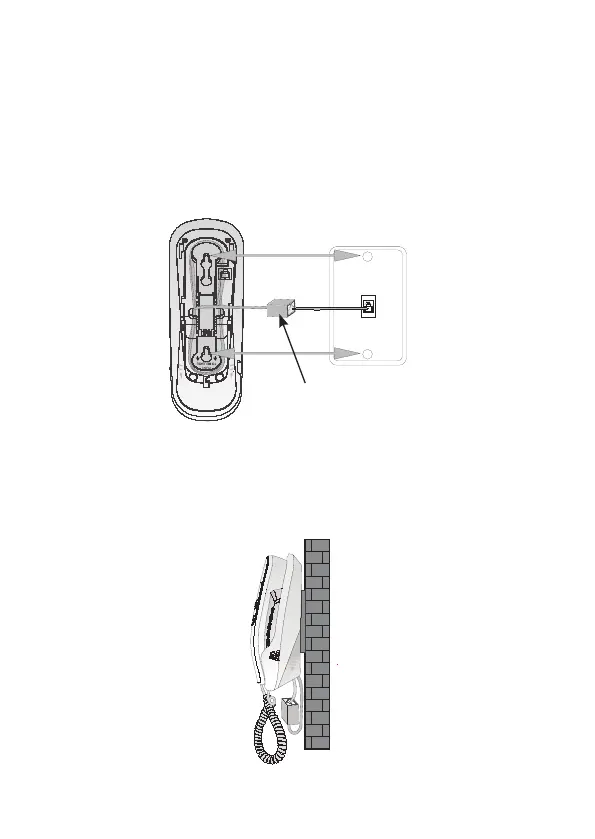
4. Route the telephone line cord through the slot as
shown and plug the other end of the cord into a

wall, position the mounting holes A and B over the
telephone outlet mounting studs. Slide the bracket

studs.
5. Place the handset back on the telephone base.

(not included)
A
B

Related product manuals