17
Channel setting
8
Item Function Operation Range
Auto Scan
Enter
Auto Scan,it shows the process of frequency
and the number of channels.
Press▲ or ▼to
highlight an
item, press OK
or
►
button to
enter
submen.
ATV Manual
Tuning
Enter
ATV Manual Tuning, and then select the
project which you need to change.
Programme Edit
Enter
Programme Edit, and then use the color
buttons on the remote control for editing.
(red for "delete" button, the green button to
"rename", yellow button for "move", a dark blue
button for "skip", "FAV" button can be set like
program)
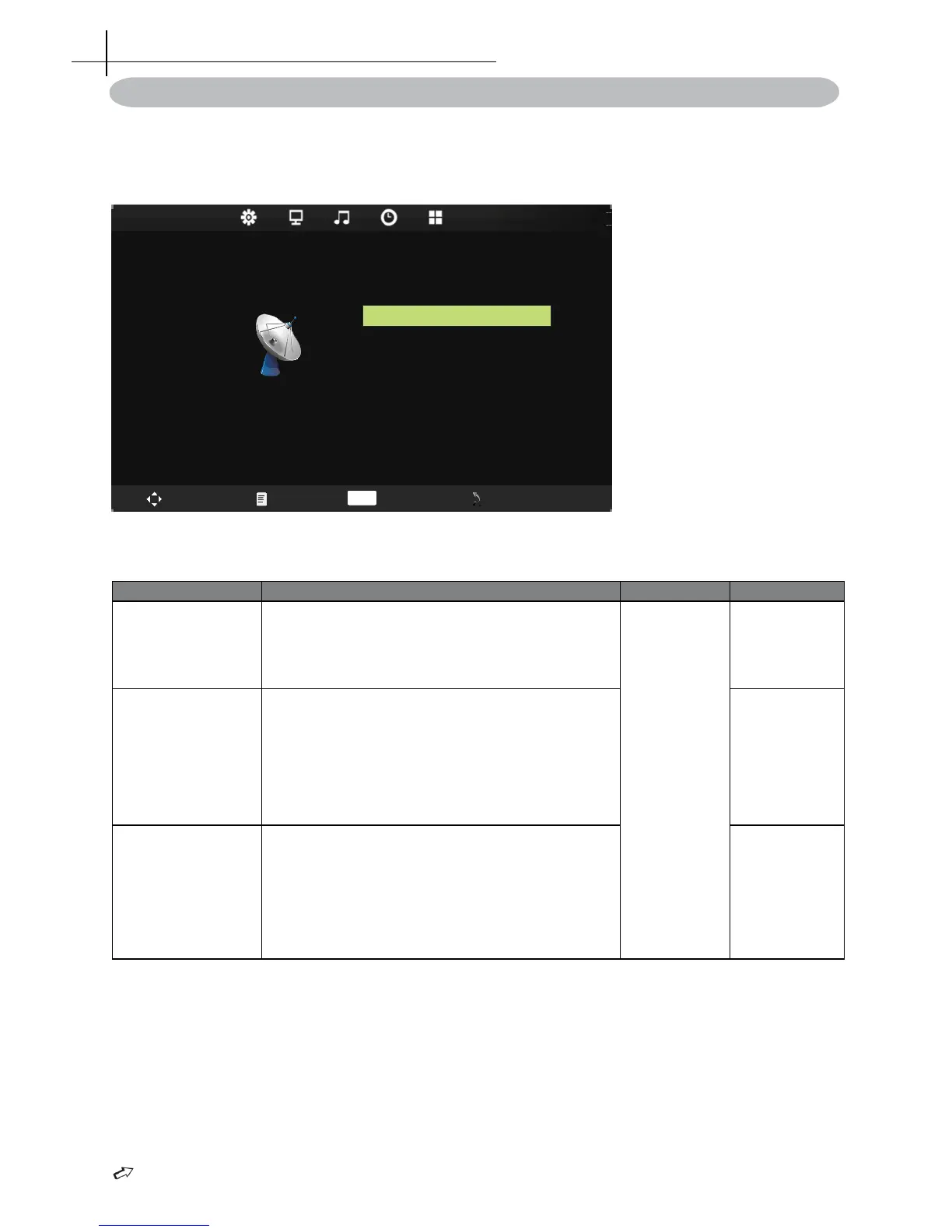
Channel menu
Press MENU on the remote control to display the main Menu.
1. Press◄ or ►to select CHANNEL.
2. Press▲ or ▼to highlight an item, press OK button to enter submenu.
NOTE:CHANNEL can be only selected under ATV condition, others can’t be used.


 To Next Page