19
Sound Setting 10
Sound menu
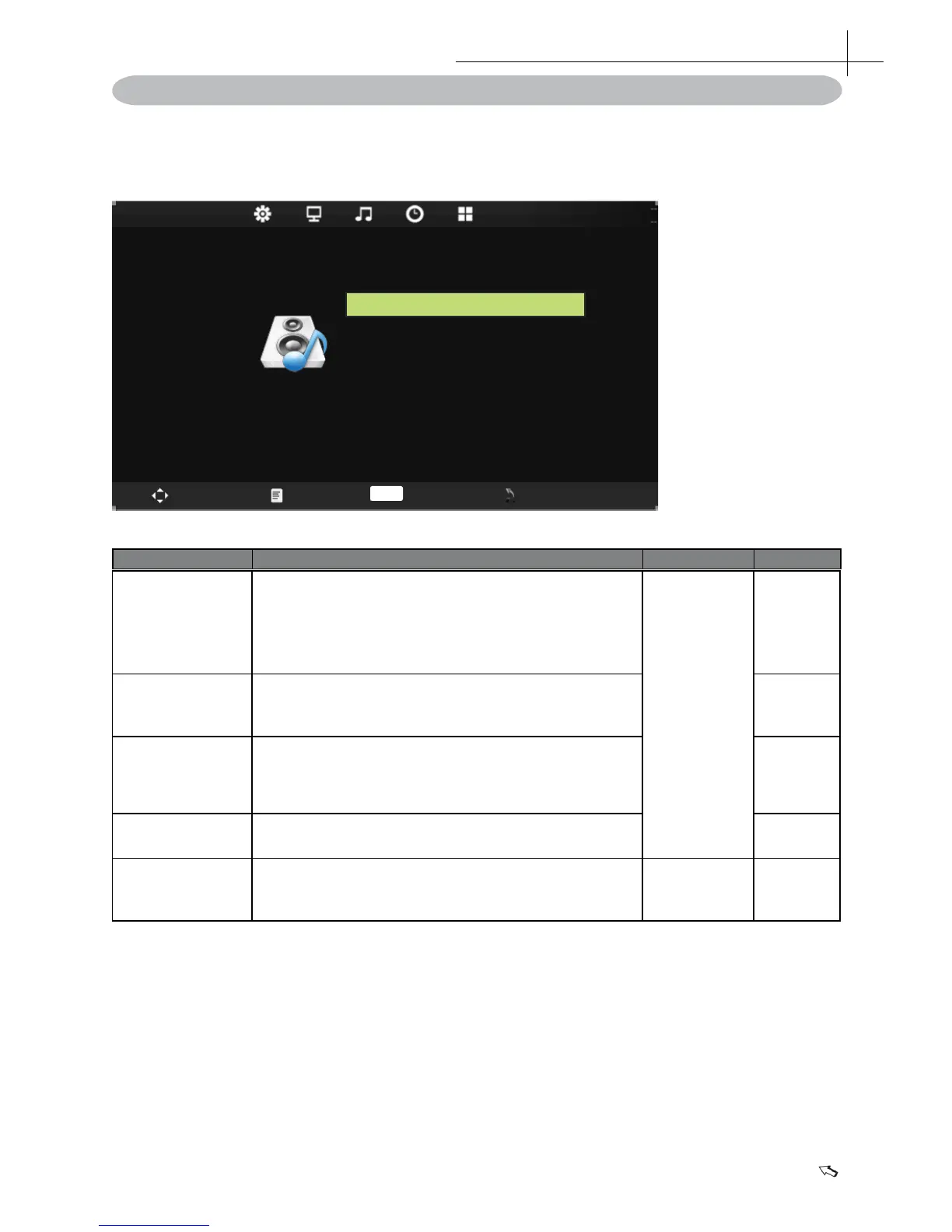
SOUN D
Sound Mode Standard
Balance 0
Auto Volume Off
Treble 50
Bass 50
Move Menu Enter Exit
OK
Press MENU on the remote control to display the main Menu.
1. Press◄ or ►to select SOUND.
2. Press▲ or ▼to highlight an item, press OK button to enter submenu.
Item Function Operation Range
Sound mode
Selects a sound type when viewing programs or
videos that support multiple sounds.
* If you select the User mode,you can individually
set the Bass and Treble.
Press▲ or
▼to highlight
an item,
press OK
or ► button
to enter
submenu.
• Standard
• Music
• Movie
• Sports
• User
Treble
Navigate using the left right buttons to increase or
decrease high frequency intensity. 0-100
Bass
Navigate using the left right buttons to increase or
decrease low frequency intensity.
0-100
Balance
Adjusts the volume balance of the left or right
speaker .
-50~50
Auto Volume
To turn on/off AVC ( automatic volume control )
function.
Press ► to
adjustment.
On/Off


 To Next Page