Page | 22 Part number 446PB0005-01
designed specifically for use on the M300 will offer the best overall user
experience.
Install via Vuzix App Store
The Vuzix App Store is the best source for M300 apps. Here, you can be assured
that the apps are designed to accommodate the M300 navigation controls and
display and their installation will be easy and straightforward.
Prior to your first Vuzix App Store installation you must enable a Wi-Fi Internet
connection and the “Run Actions Automatically” option in the App Manager
settings.
To enable OTA app updates:
Open the Settings app and go to App Manager
Open and enable App Manager. It will display “connected” if you have a
Wi-Fi connect to the Internet
Enable “Run Actions Automatically”
The above is a one-time configuration step.
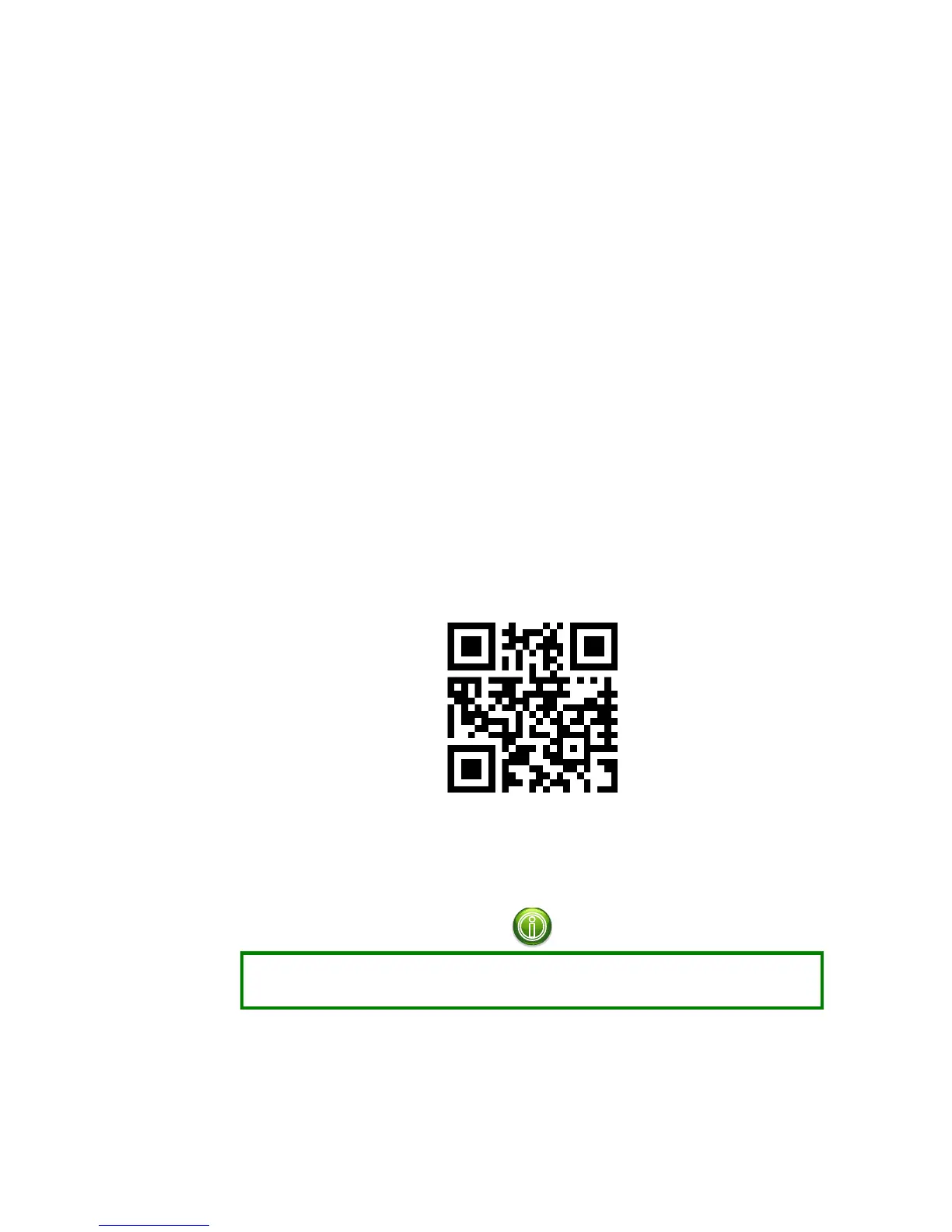
Go to the Vuzix App Store (www.vuzix.com/appstore), log in and register your
device.
www.vuzix.com/appstore
Application added to your App Store library will be installed on your M300 once
it has an Internet connection via an OTA (Over the Air) mechanism.
Some applications will require the M300 to be rebooted prior to being able to be
launched.
The App Manager will enable you to adjust how and when your M300 will load
updates from the Vuzix App Store.



 To Next Page