Page | 45 Part number 446PB0005-01
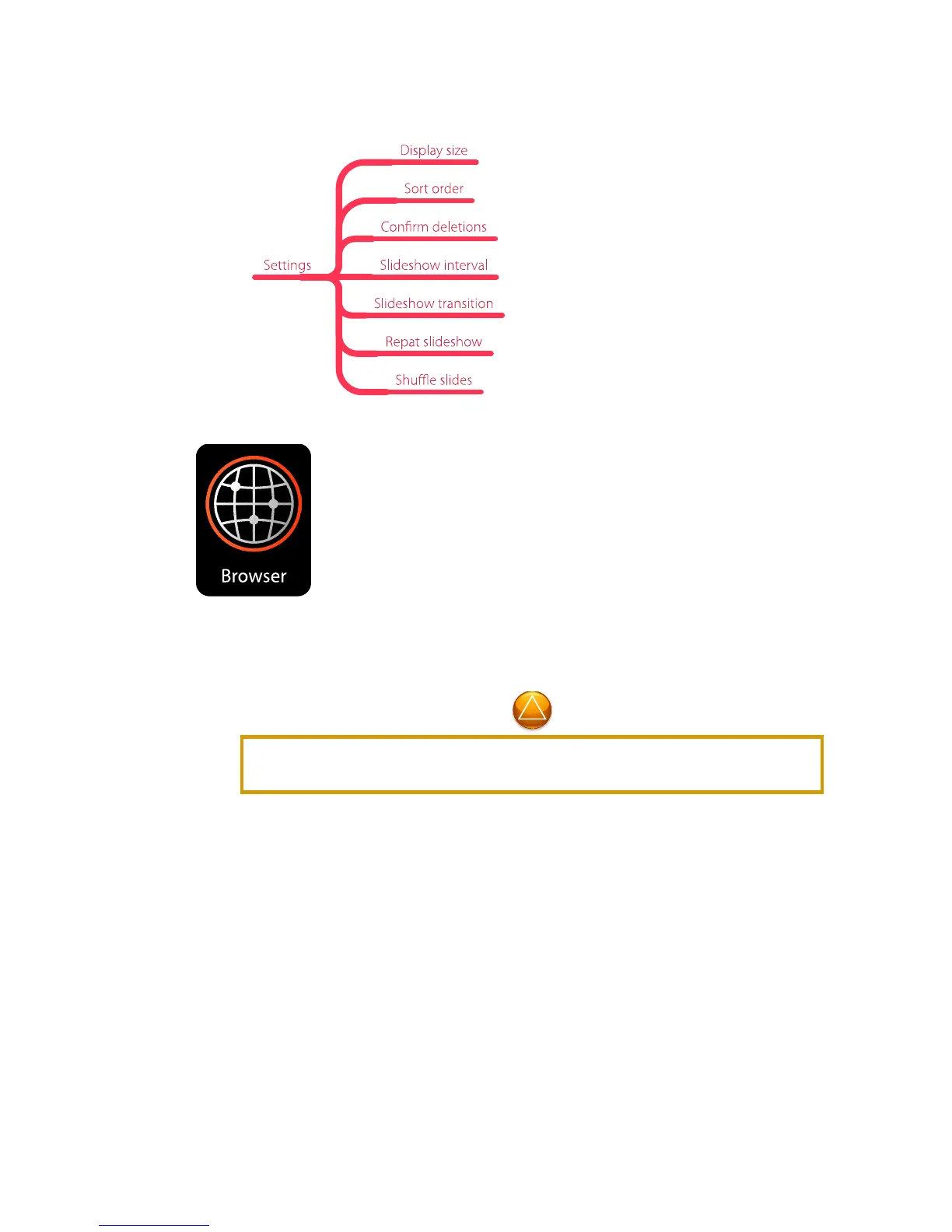
Gallery App > Settings
Browser
This web browser app is designed specifically for the M300 display dimensions.
Use it for retrieving, presenting and traversing information resources on the
World Wide Web.
The Browser App requires an Internet connection. See the Settings App to
configure a Wi-Fi connection.
If you wish to use the M300 for web browsing, the addition of a Bluetooth
keyboard and mouse is highly recommended. Most web pages are not designed
for the interaction methods available on the M300, and will require the use of a
Bluetooth keyboard and mouse or other external input device. Some users may
find inputting URLs, filling in forms and other web browser text entry tasks
cumbersome using the M300 on-screen keyboard.
If your web browsing requires frequent visits to the same web pages, consider
creating a library of QR Codes for those websites. There are several free QR
Code generators available on the web, including some that also handle password
entry for password-protected websites and networks.



 To Next Page